

🔥 Fire TV / Firestick — IPTV Setup Guide
Follow our step-by-step installation guide to get your TVFlexLine IPTV subscription running in minutes.
🔥 Fire TV Stick Setup Guide
V12Mate (Our Free App)
No Server Address Needed
Very Important: If you already have TiviMate installed, please uninstall
it first — otherwise V12Mate will not install correctly.
Choose Your Learning Style
🎥
Video Tutorial
Watch a complete walkthrough guide
⏱️ ~3 min video
📝
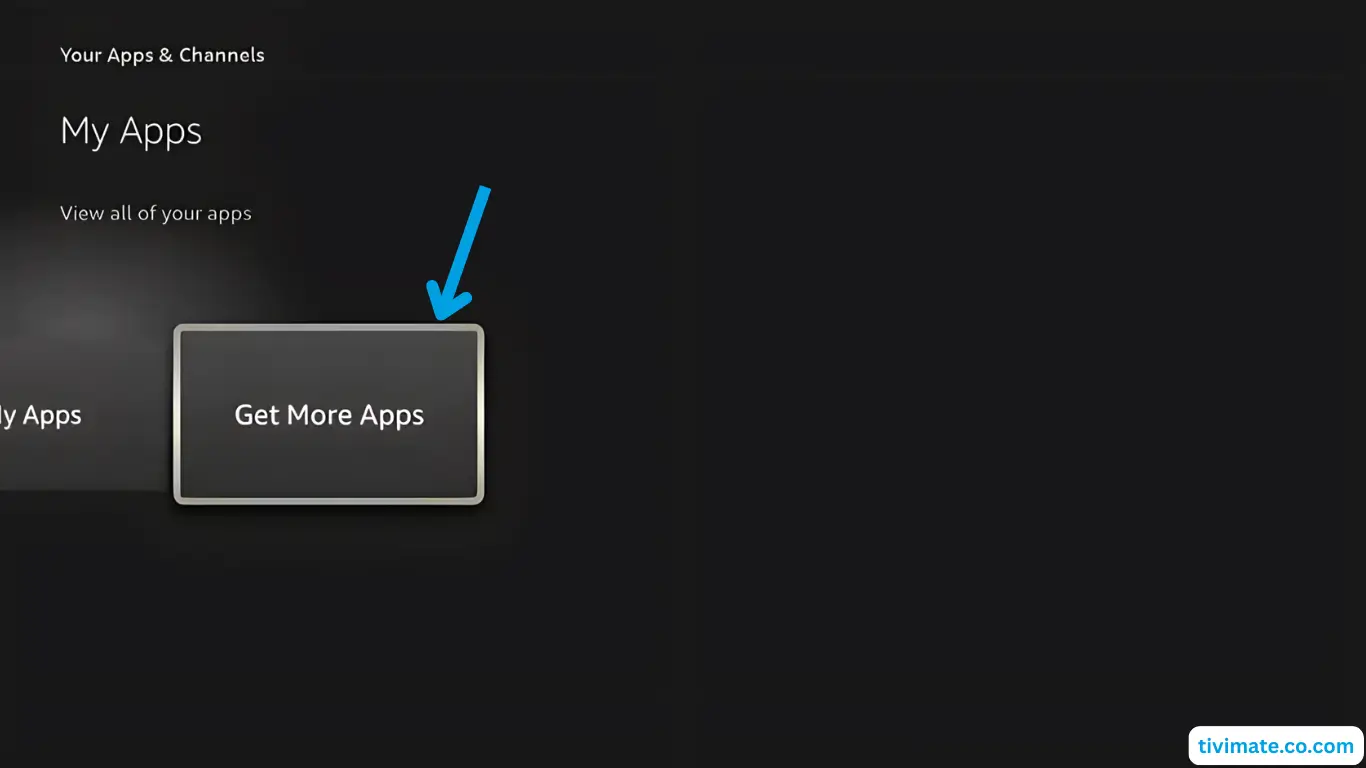
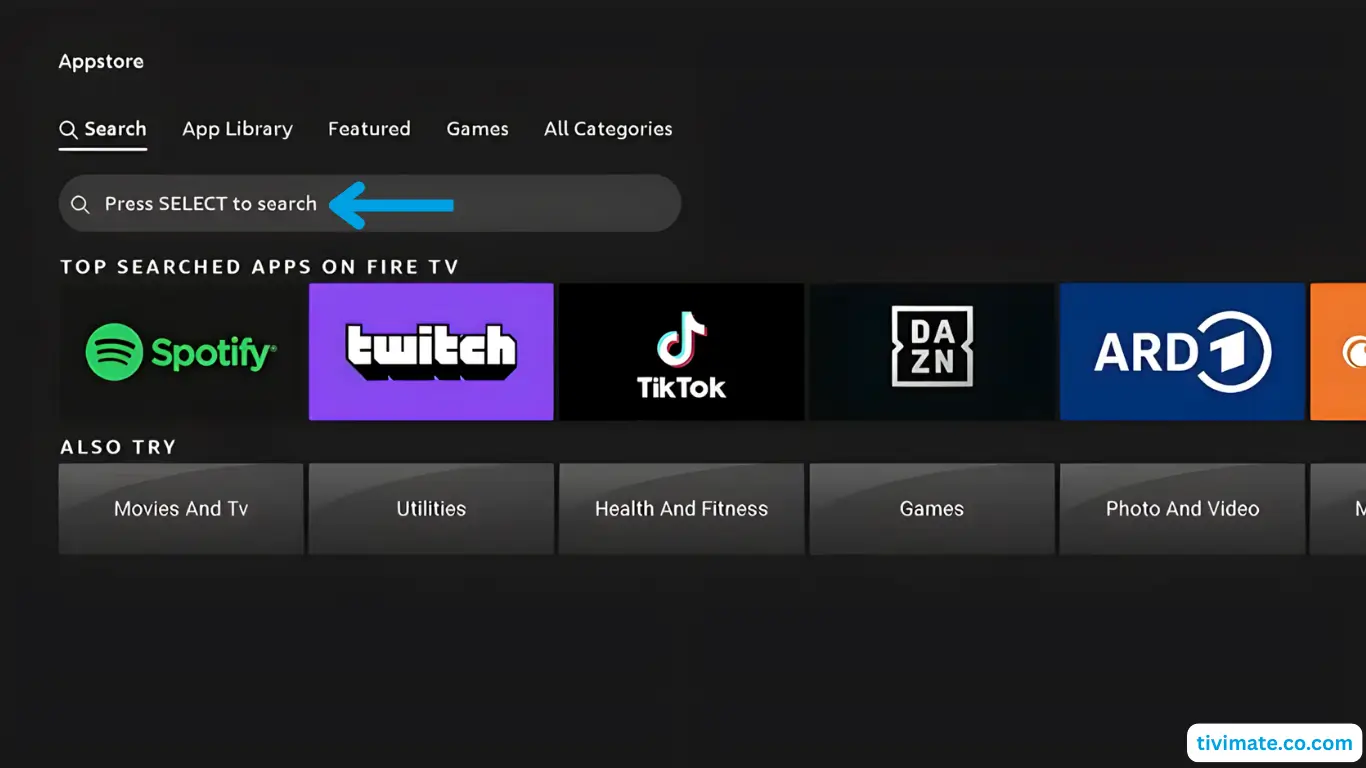
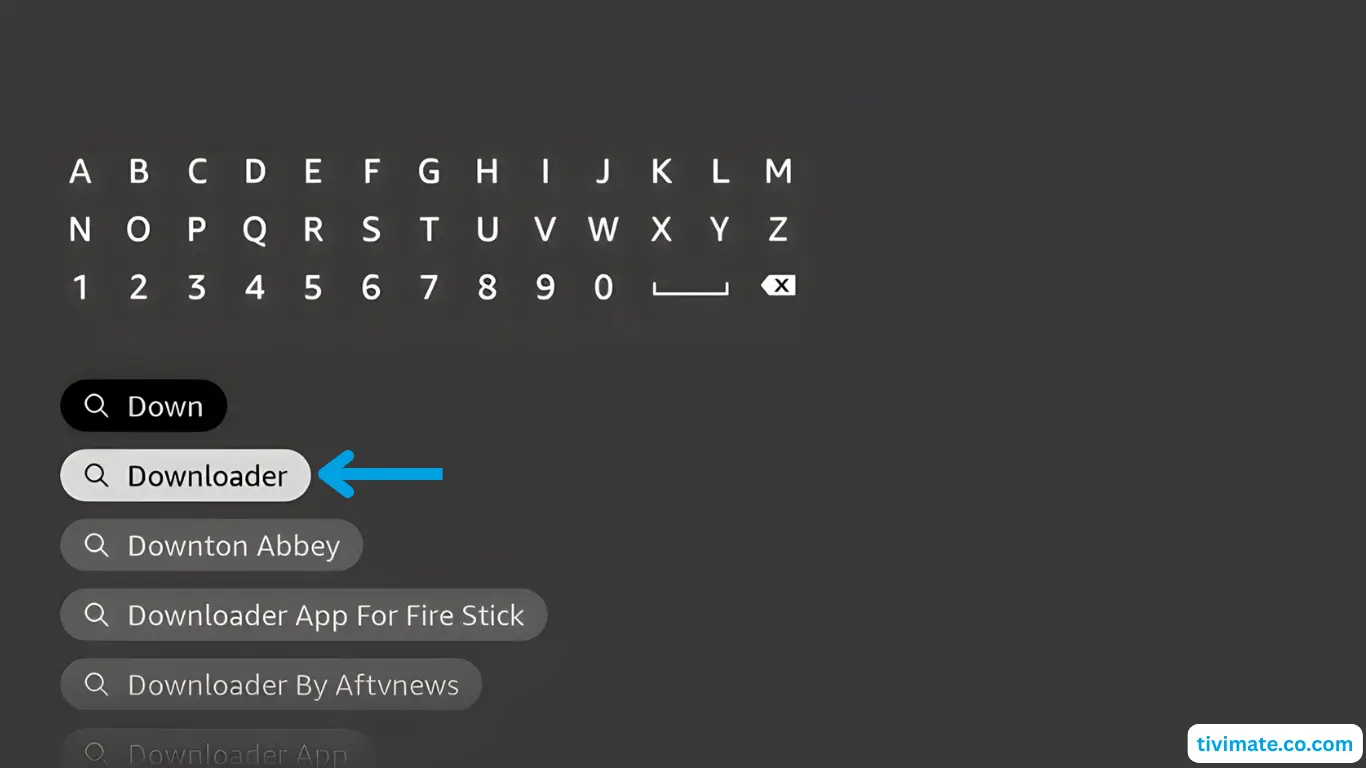
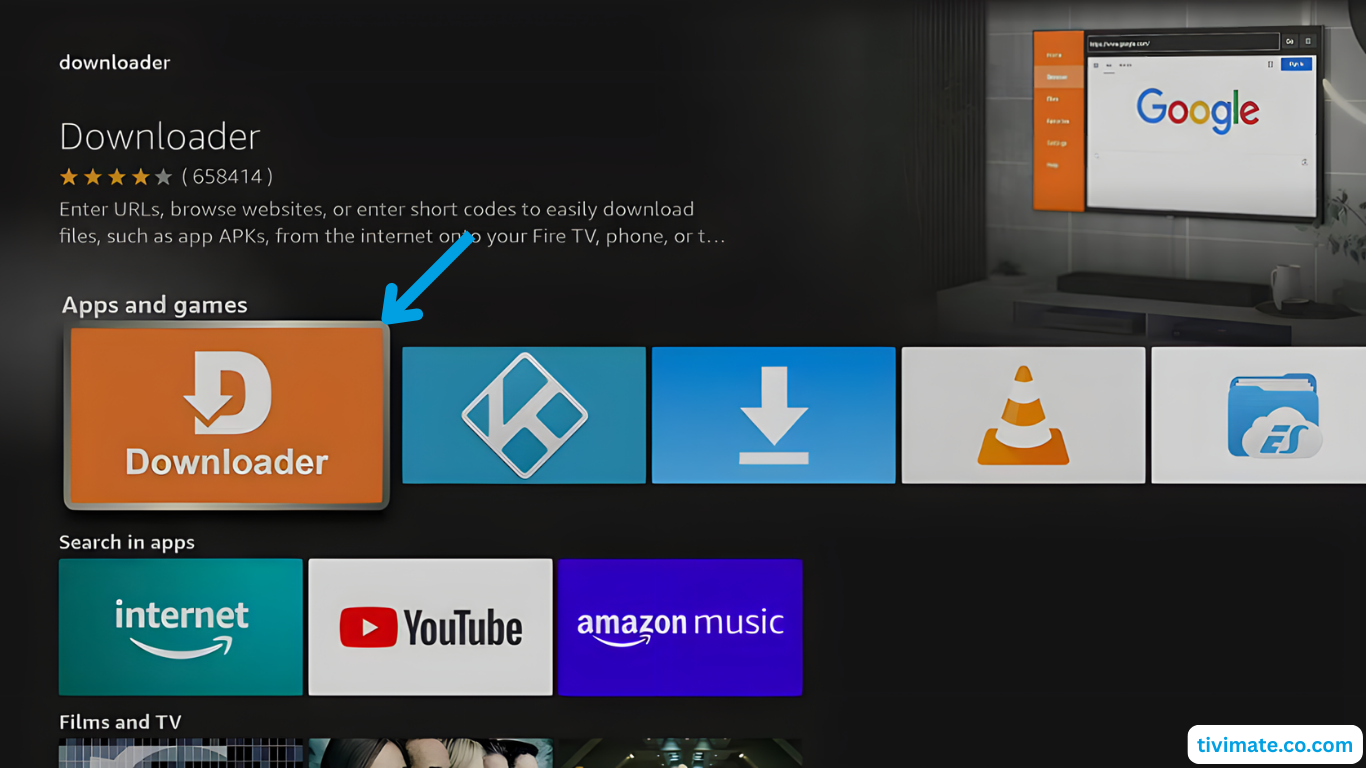
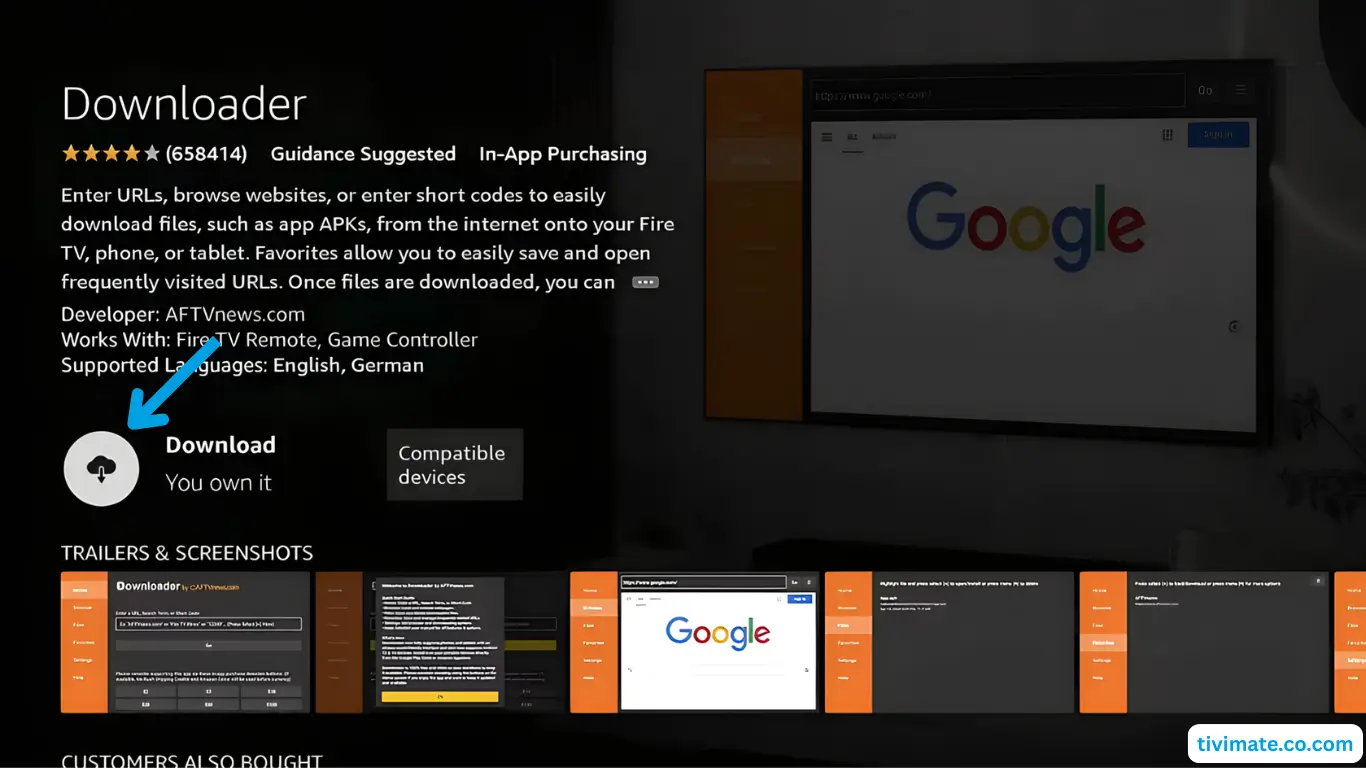
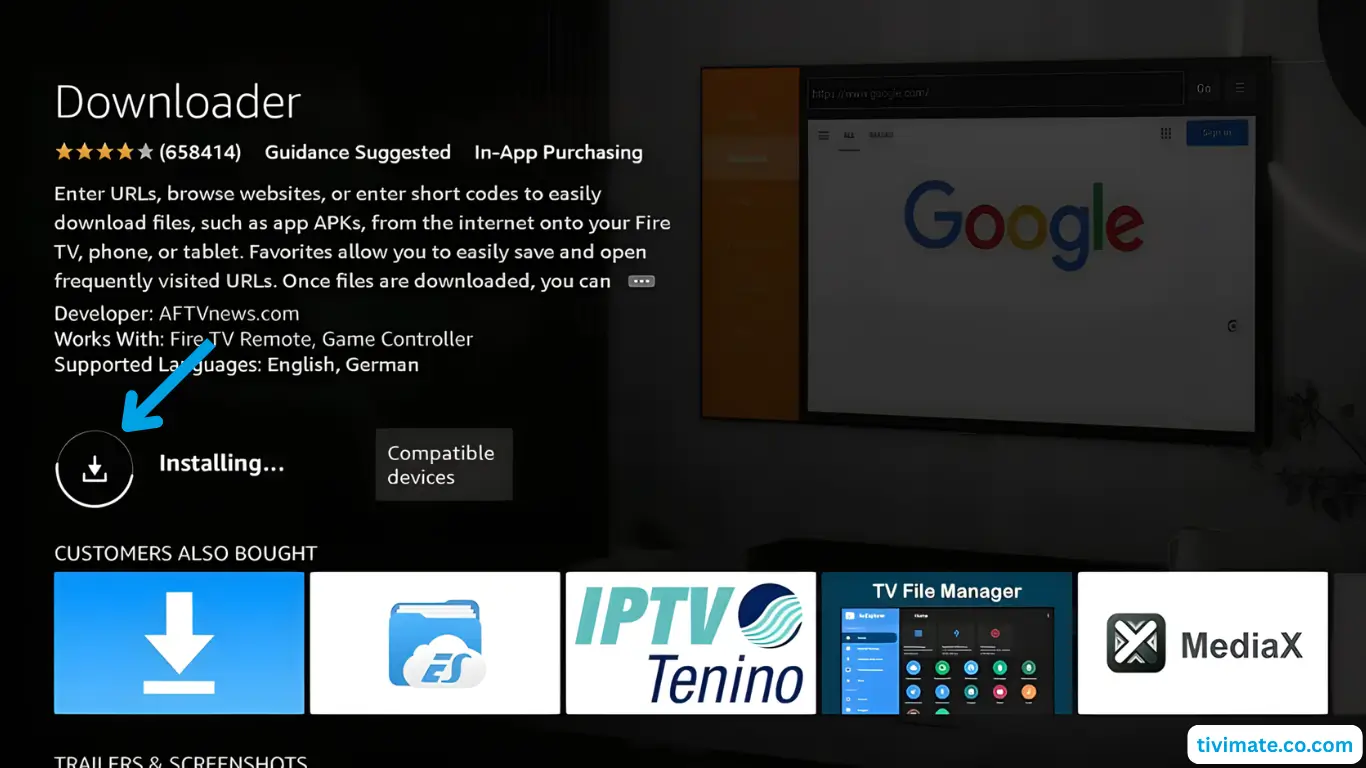
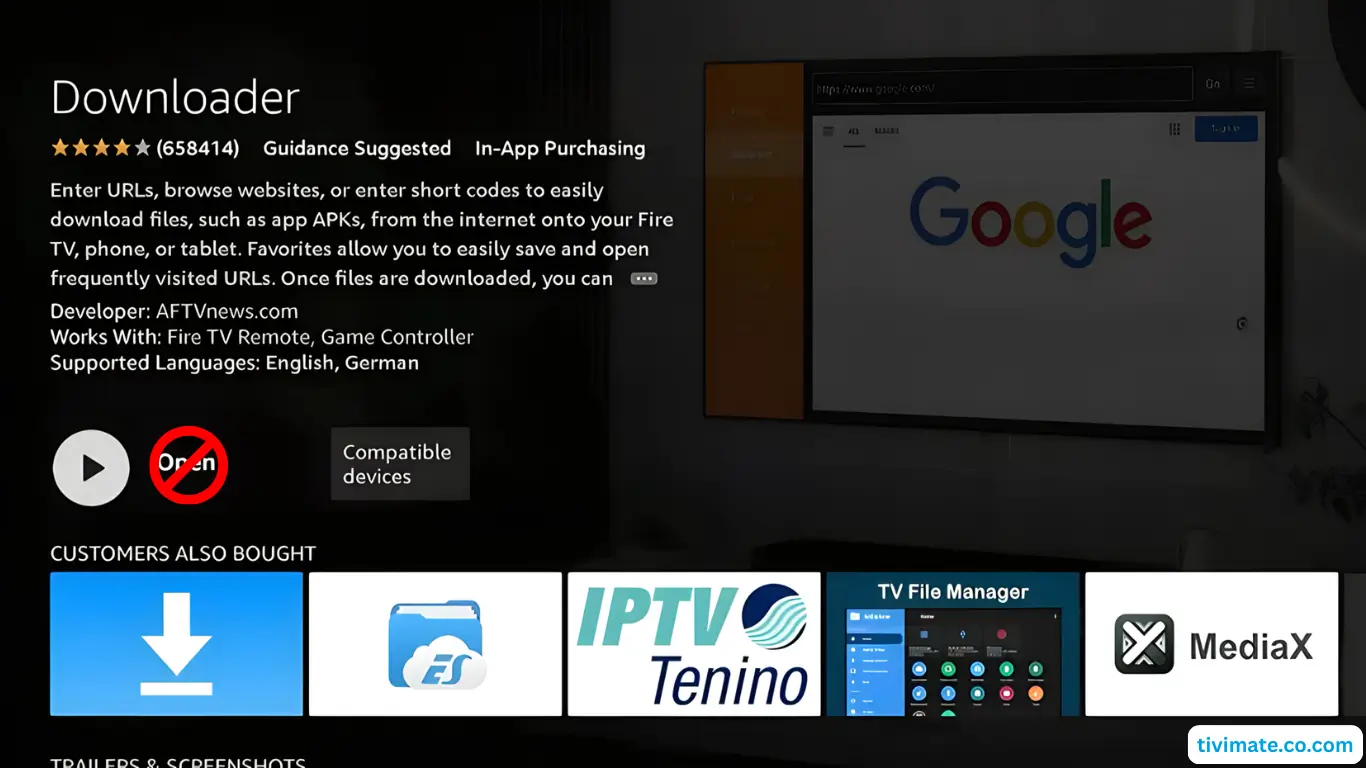
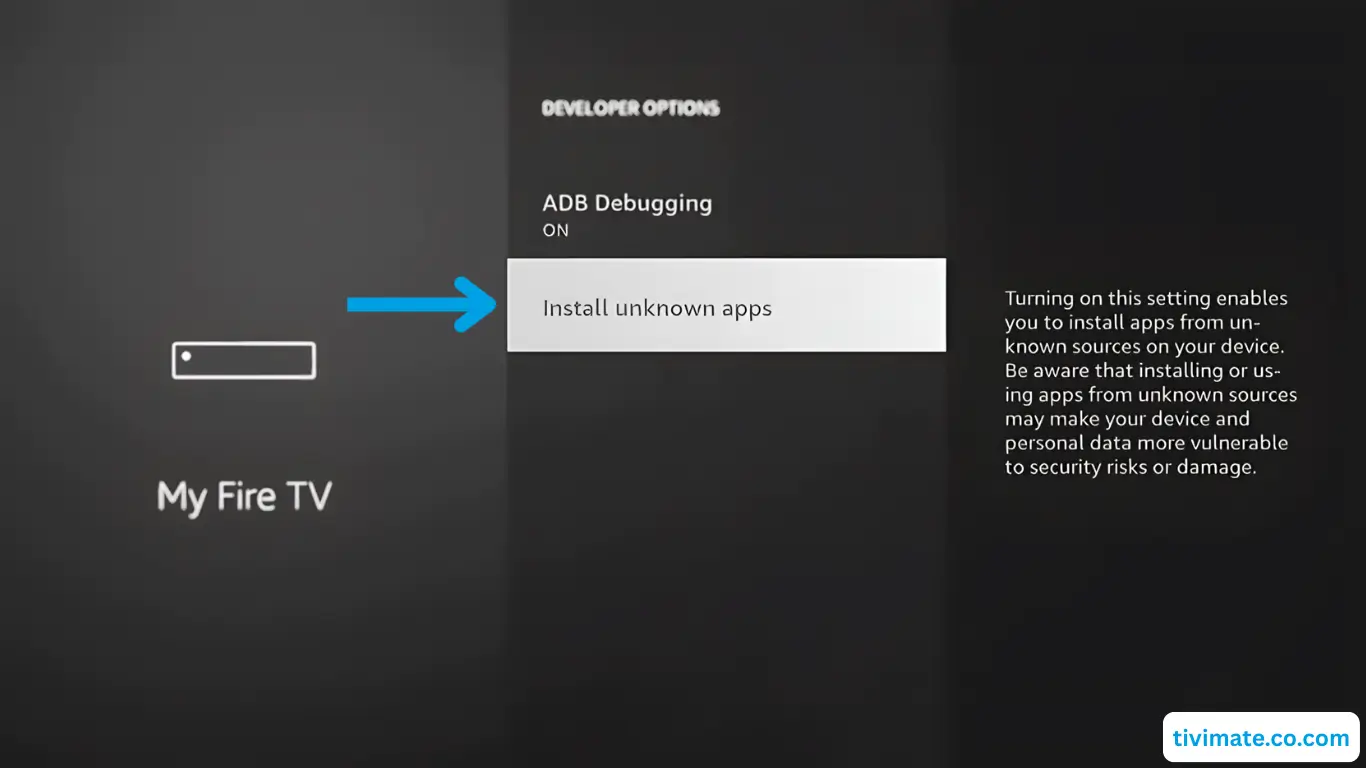
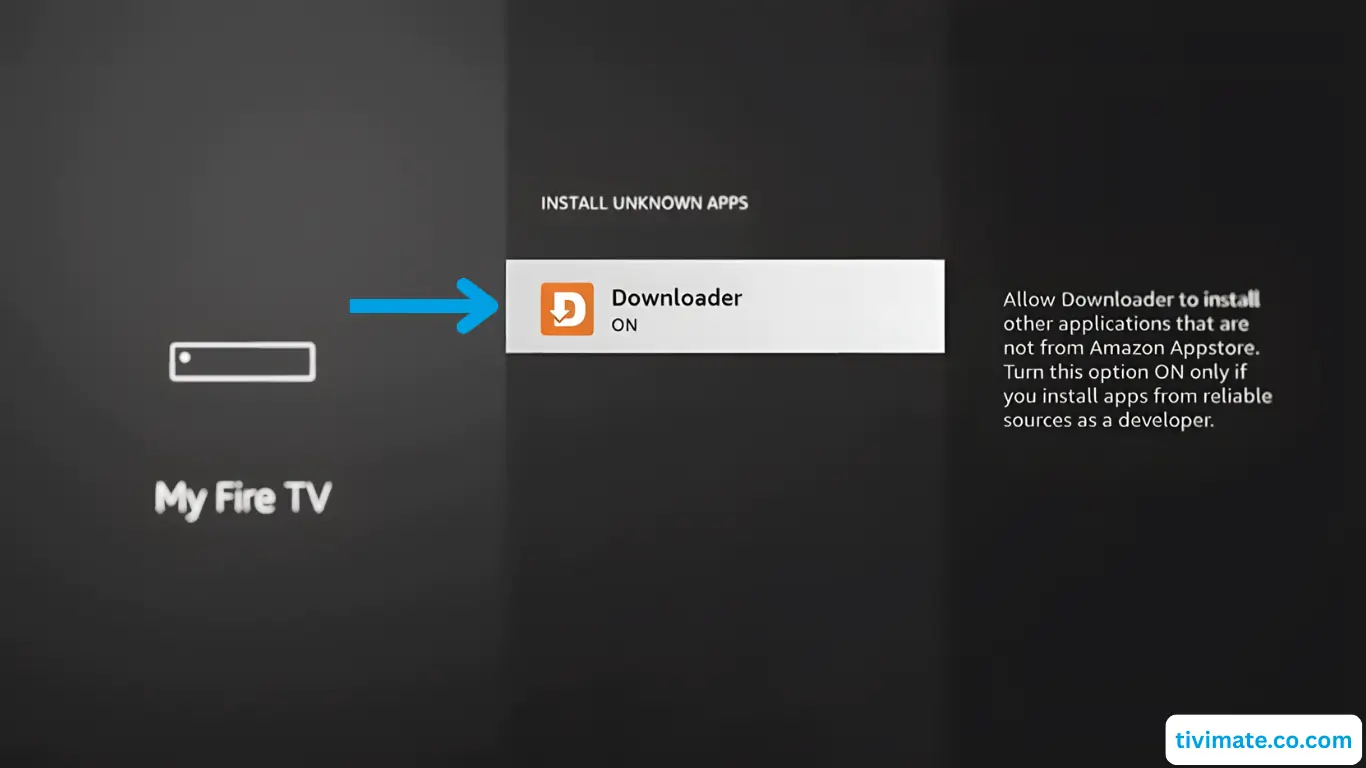
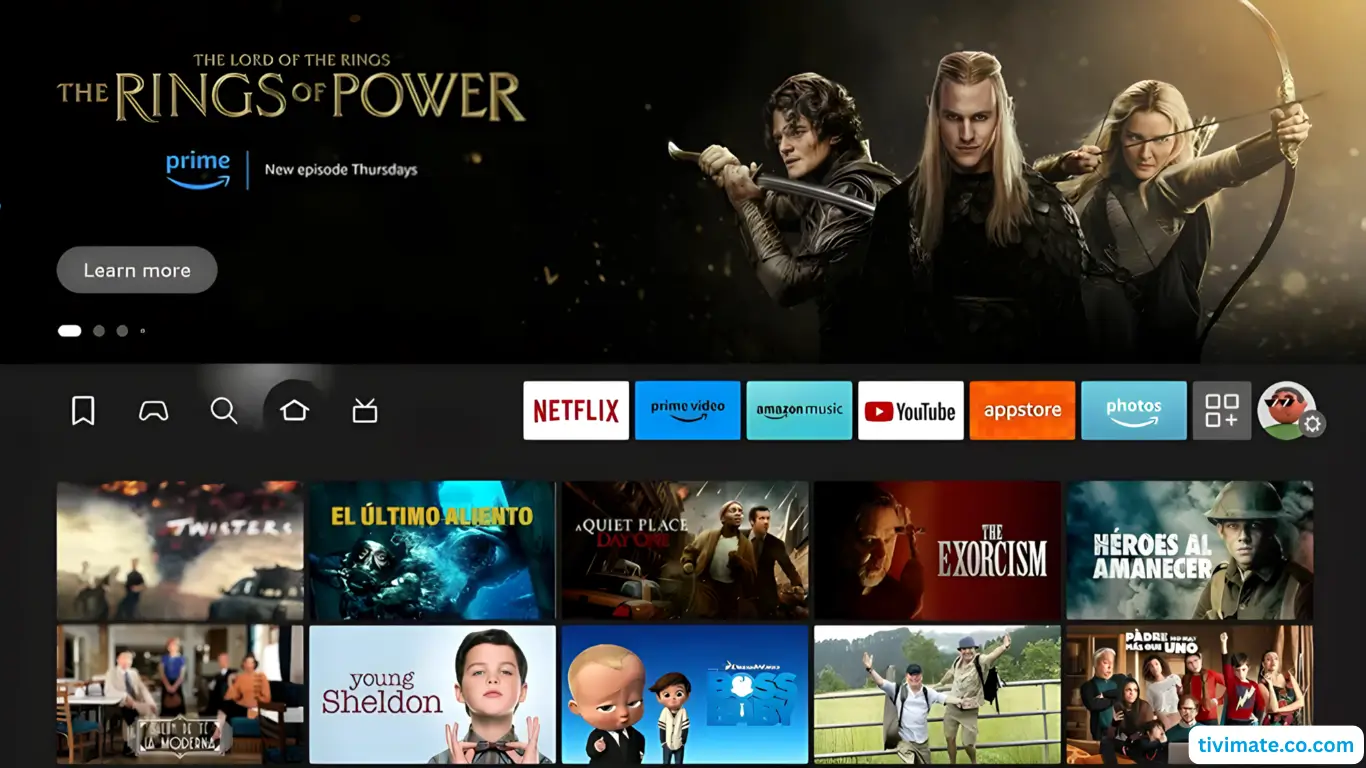
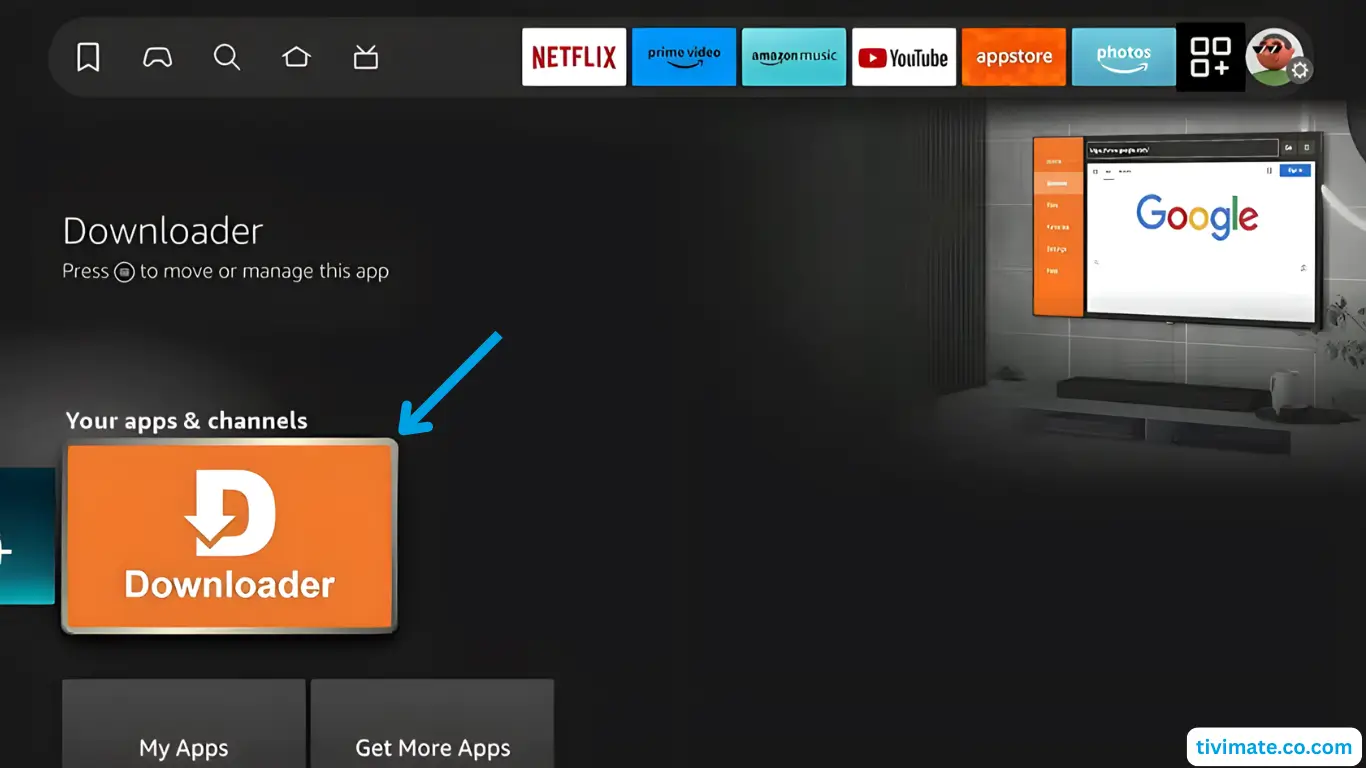
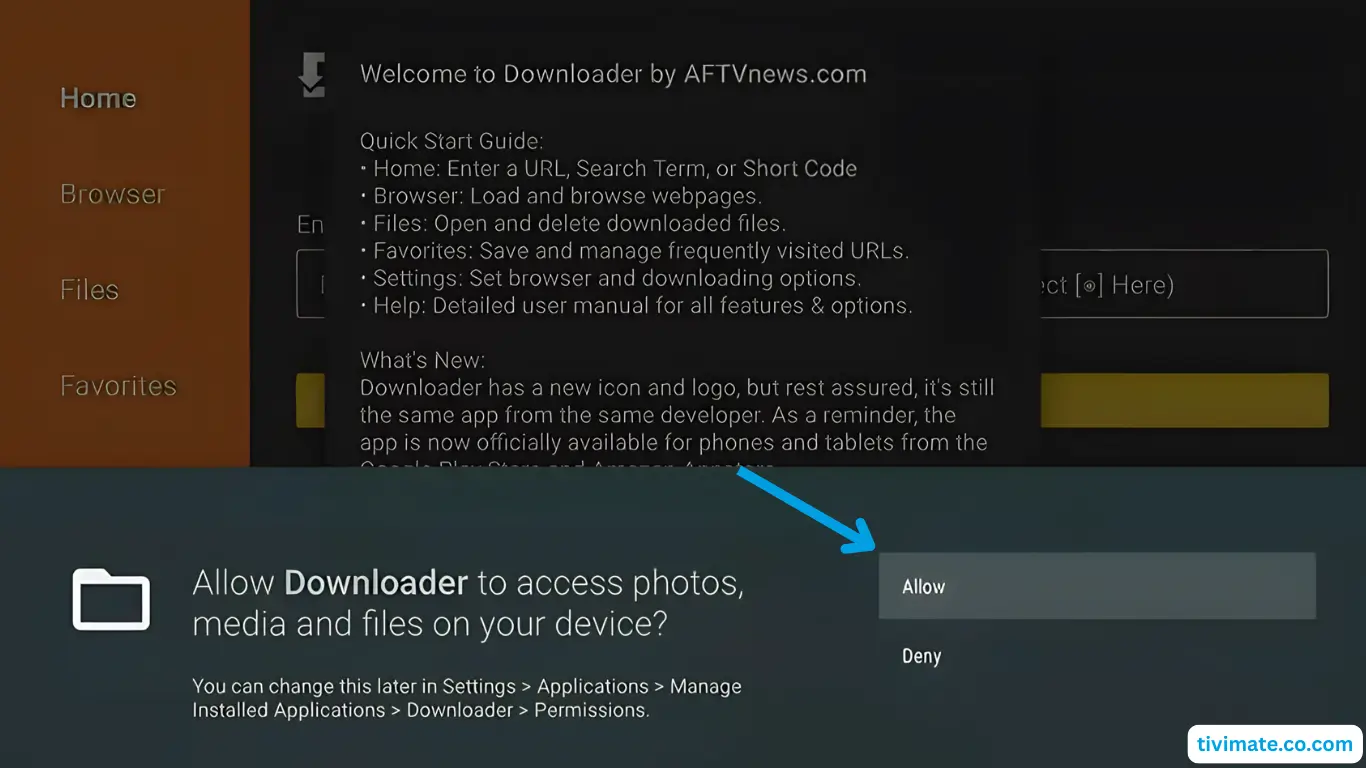
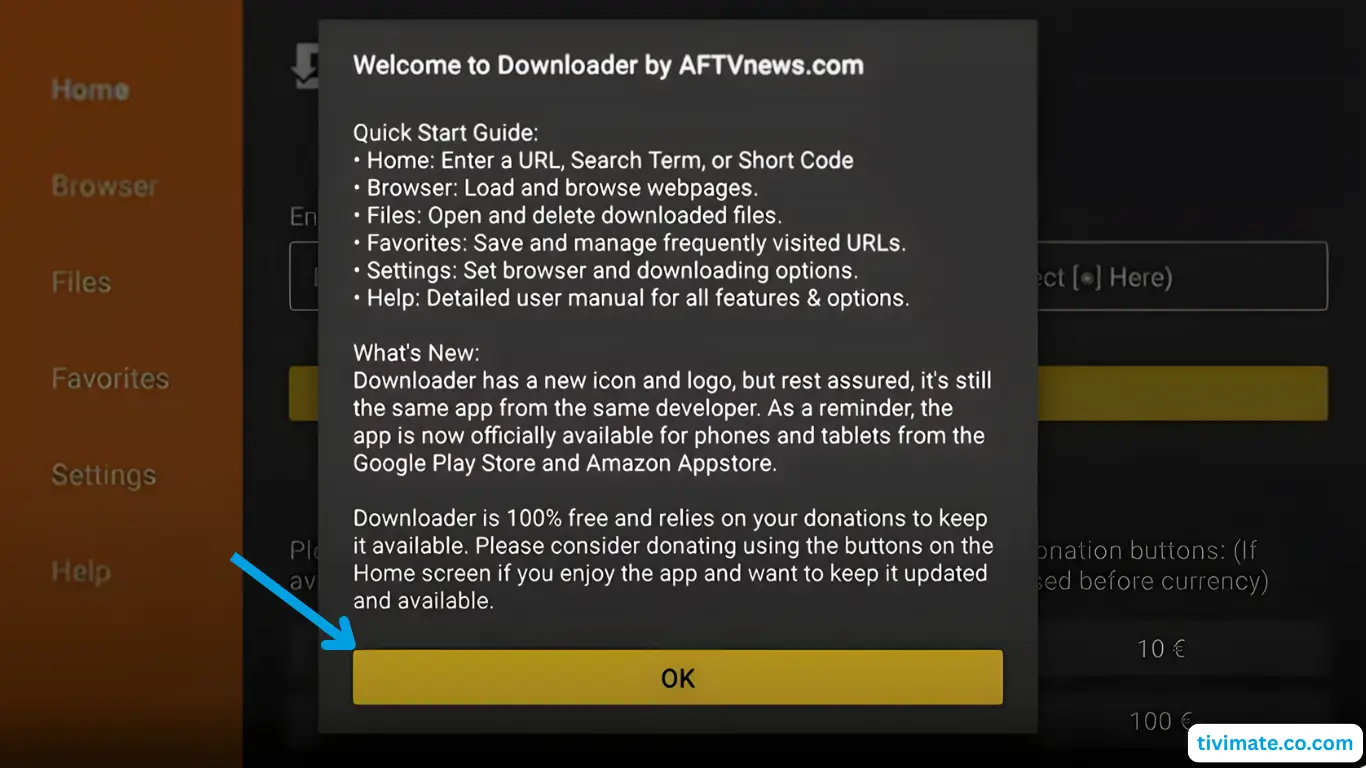
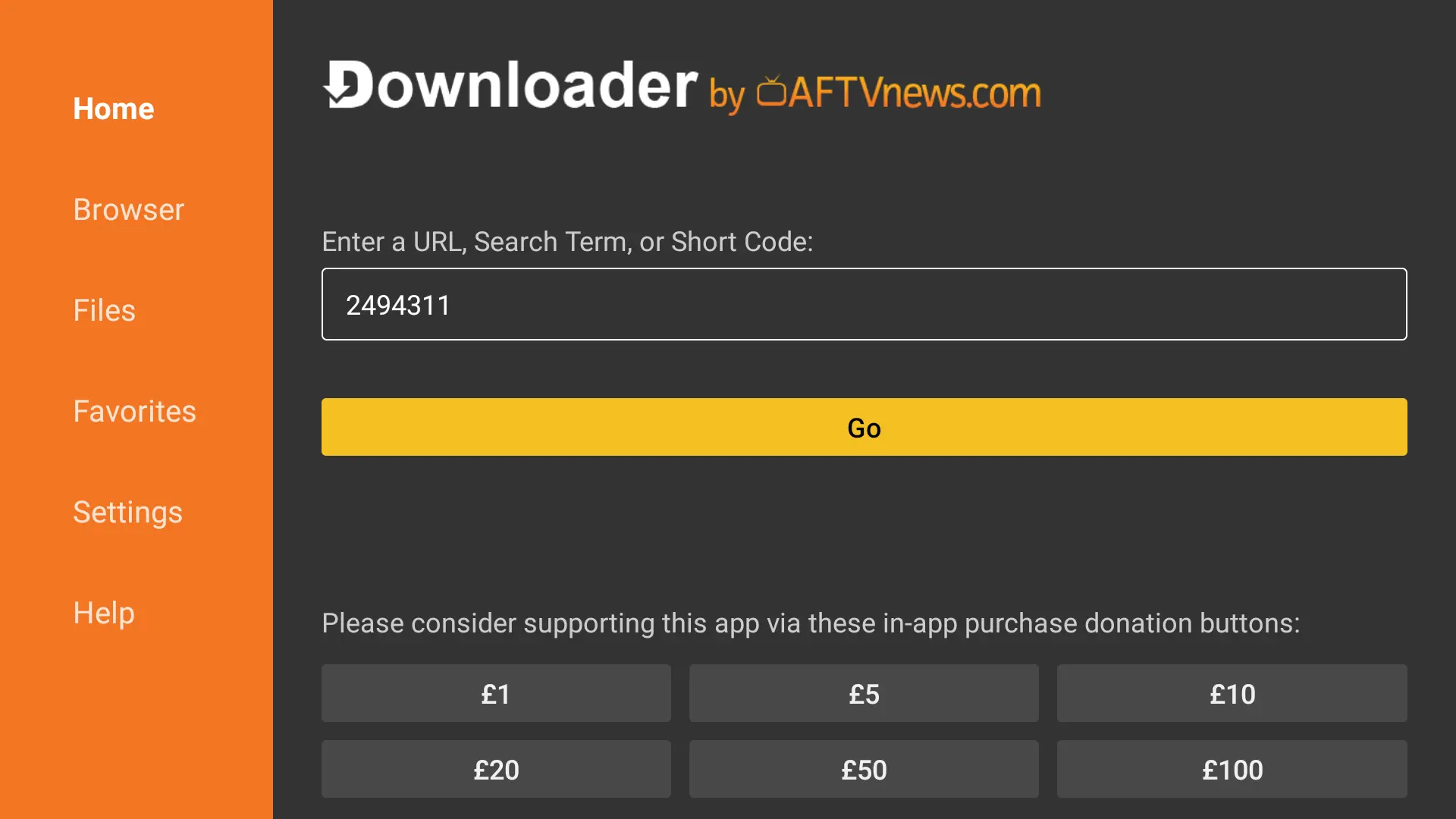
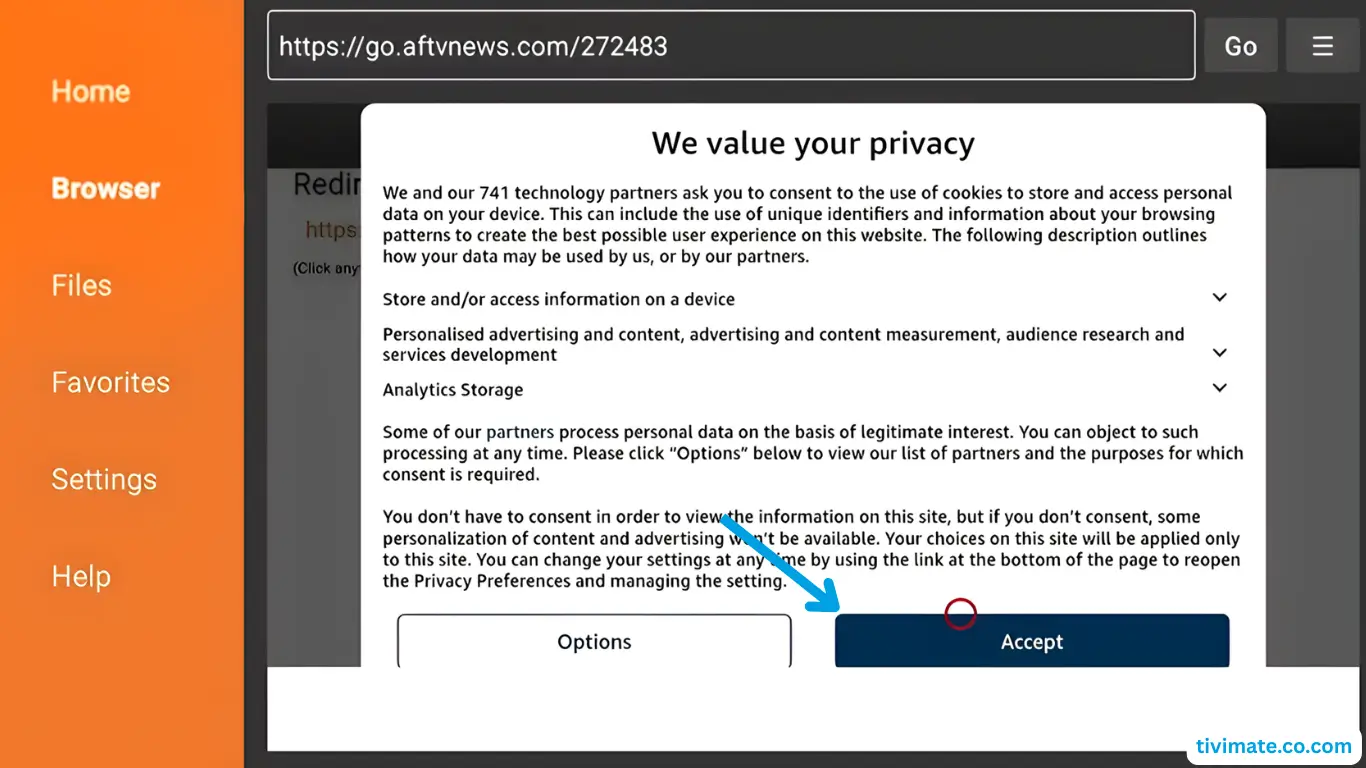
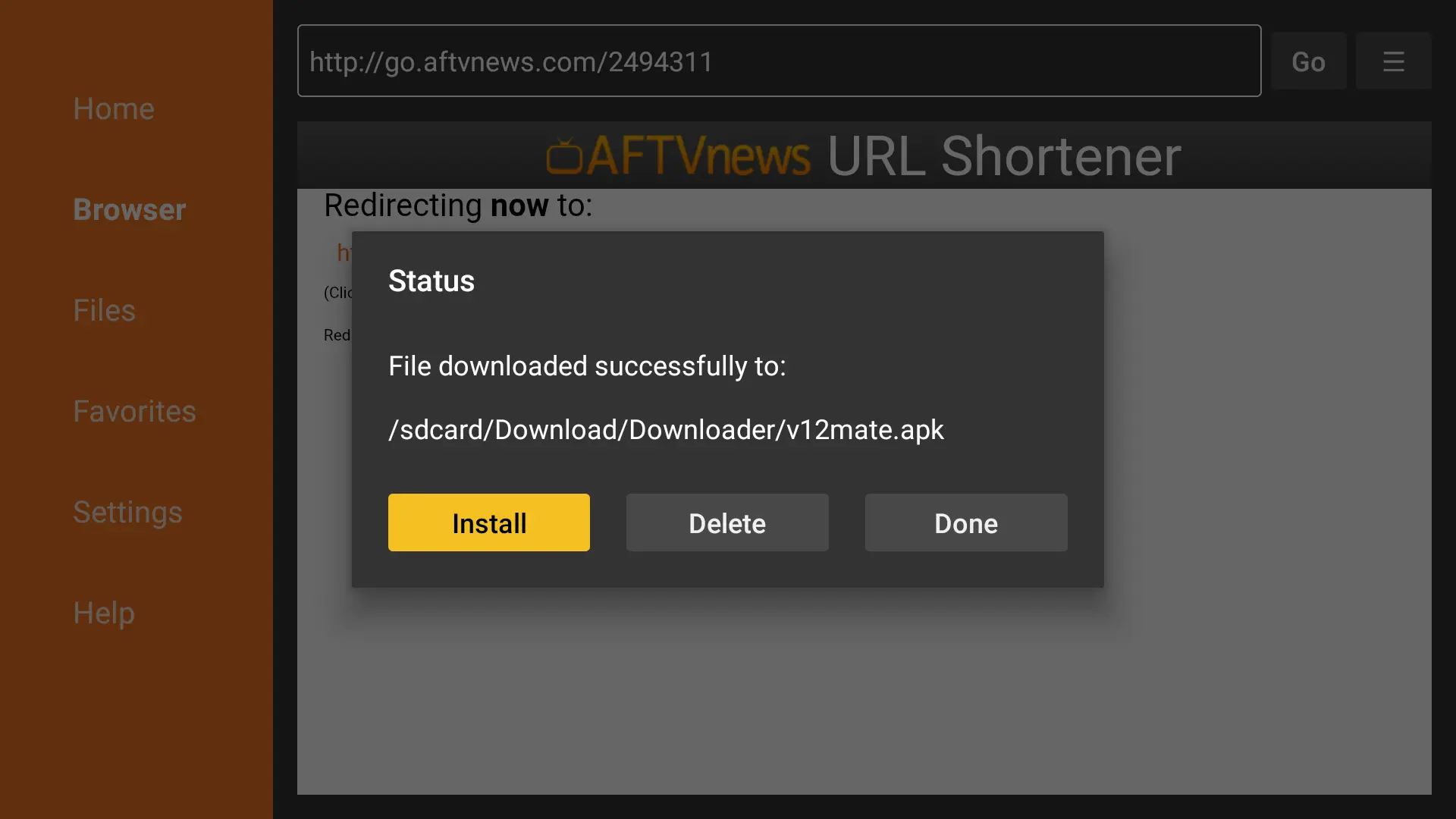
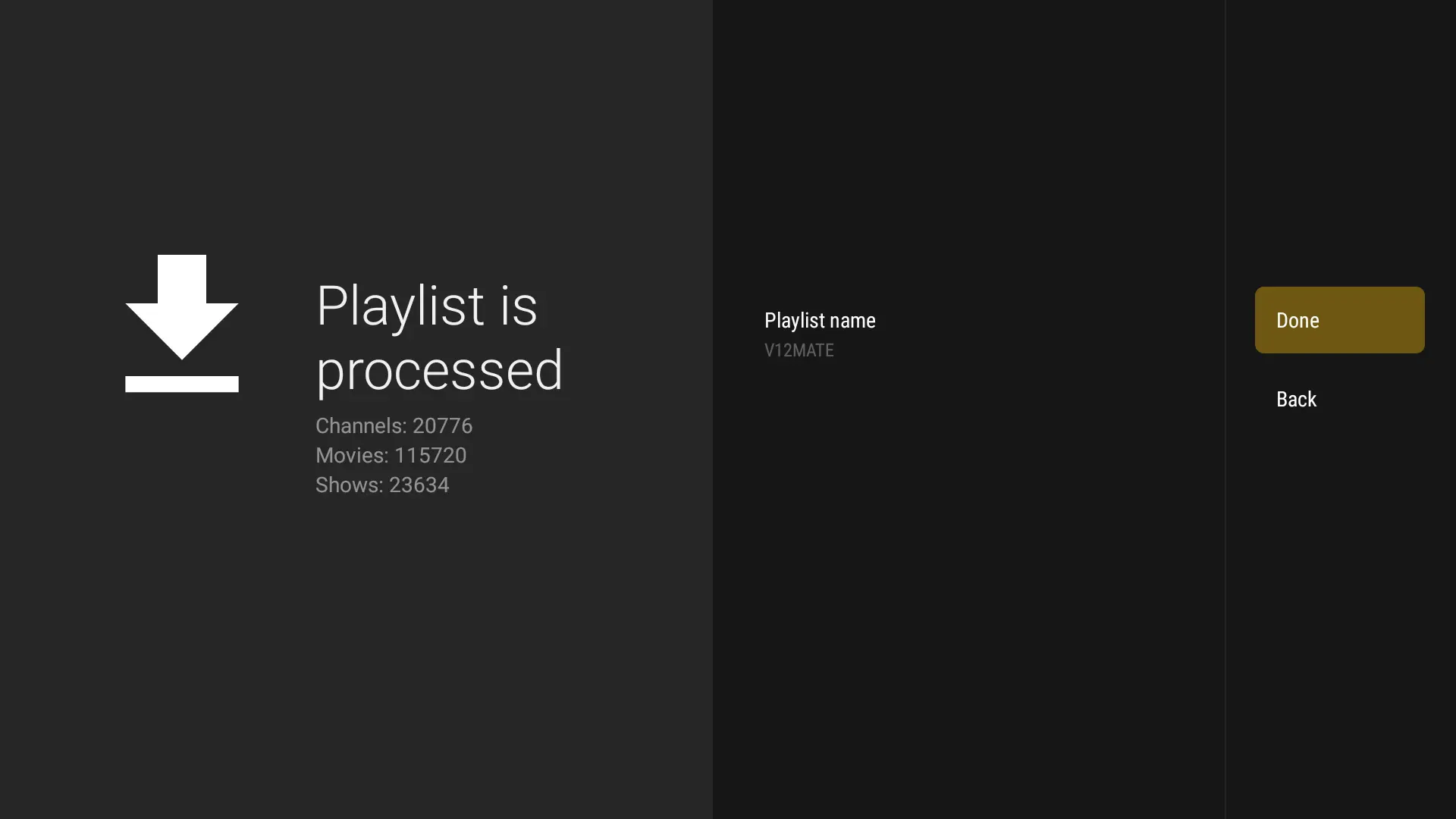
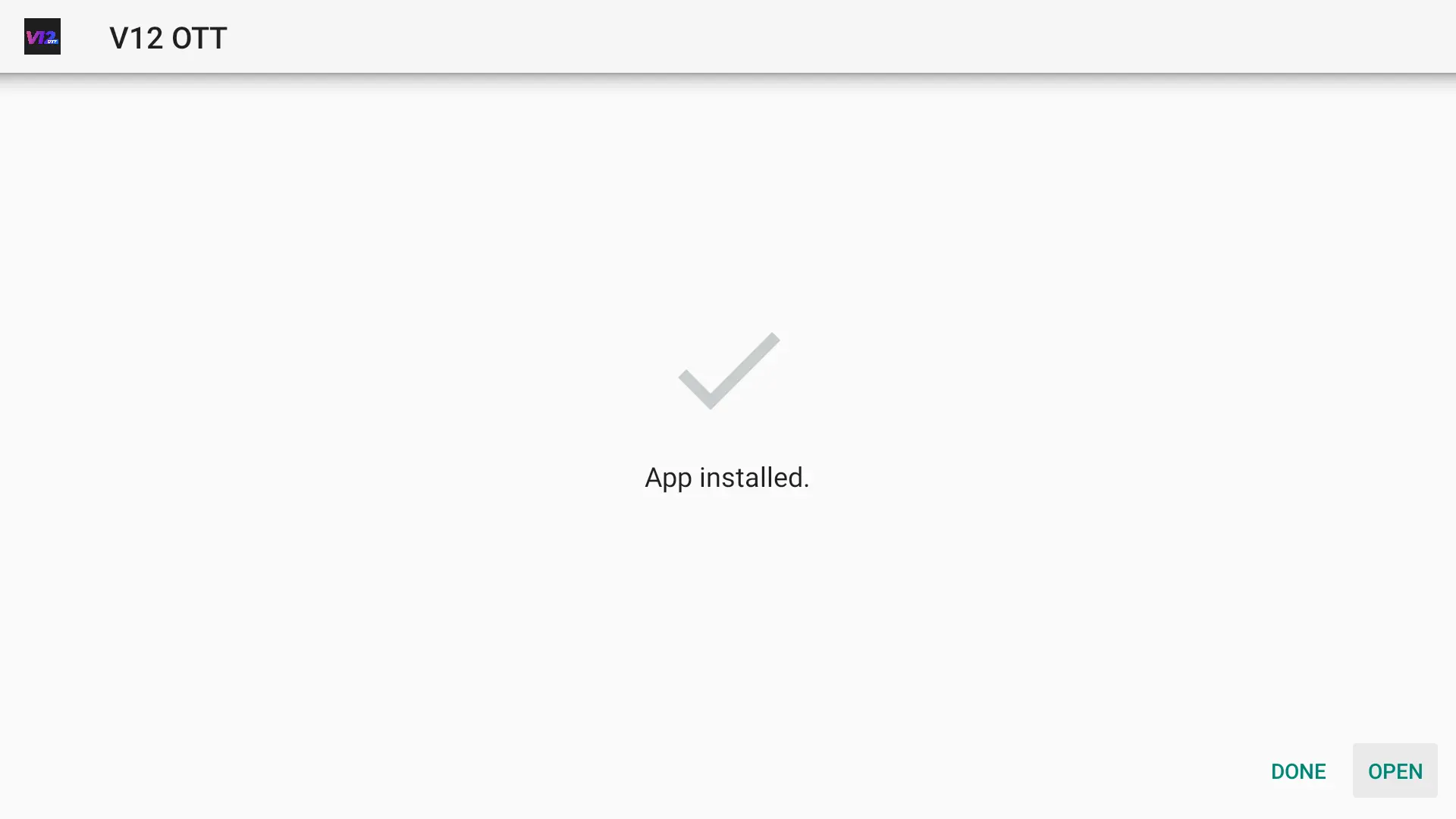
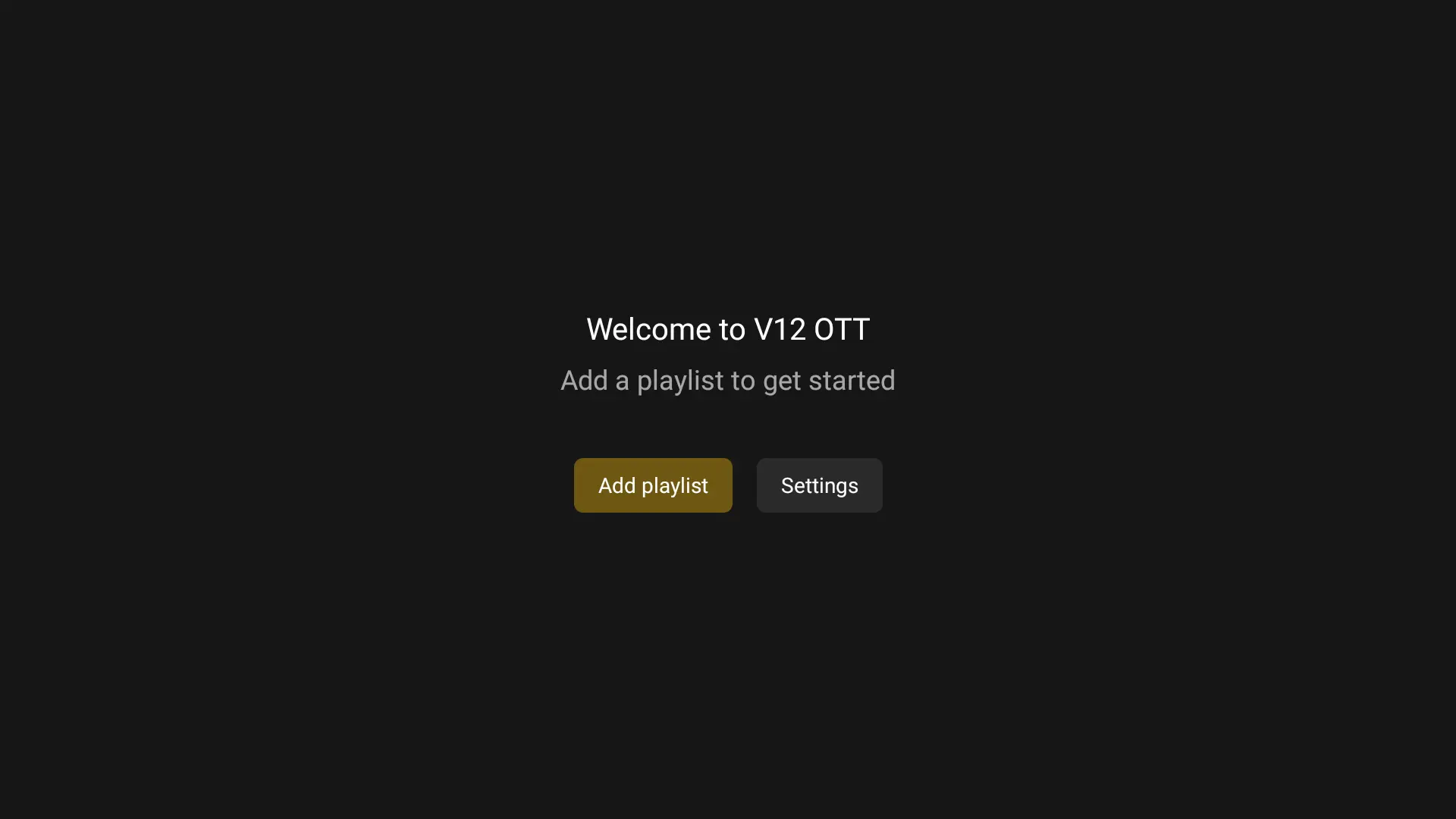
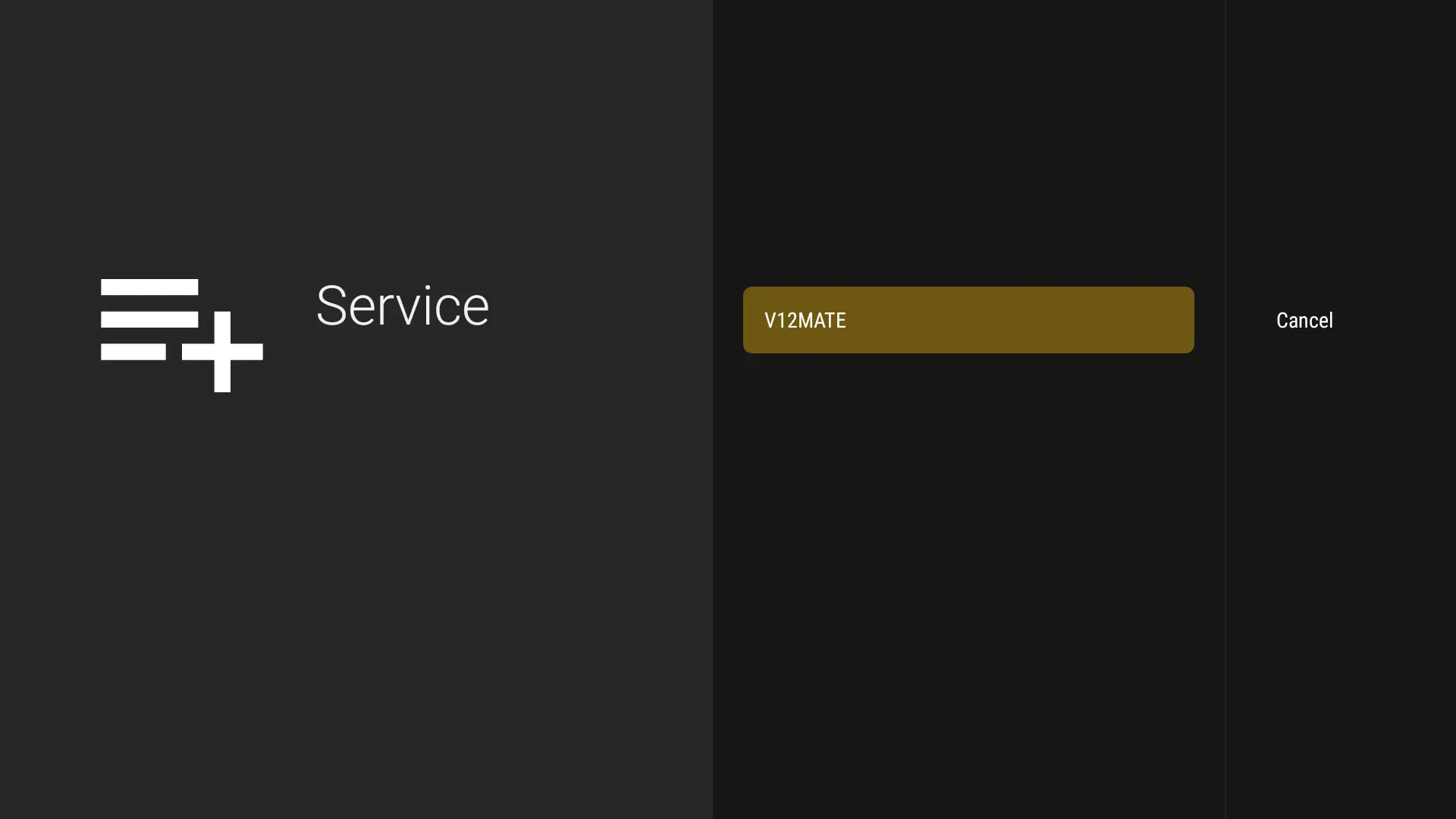
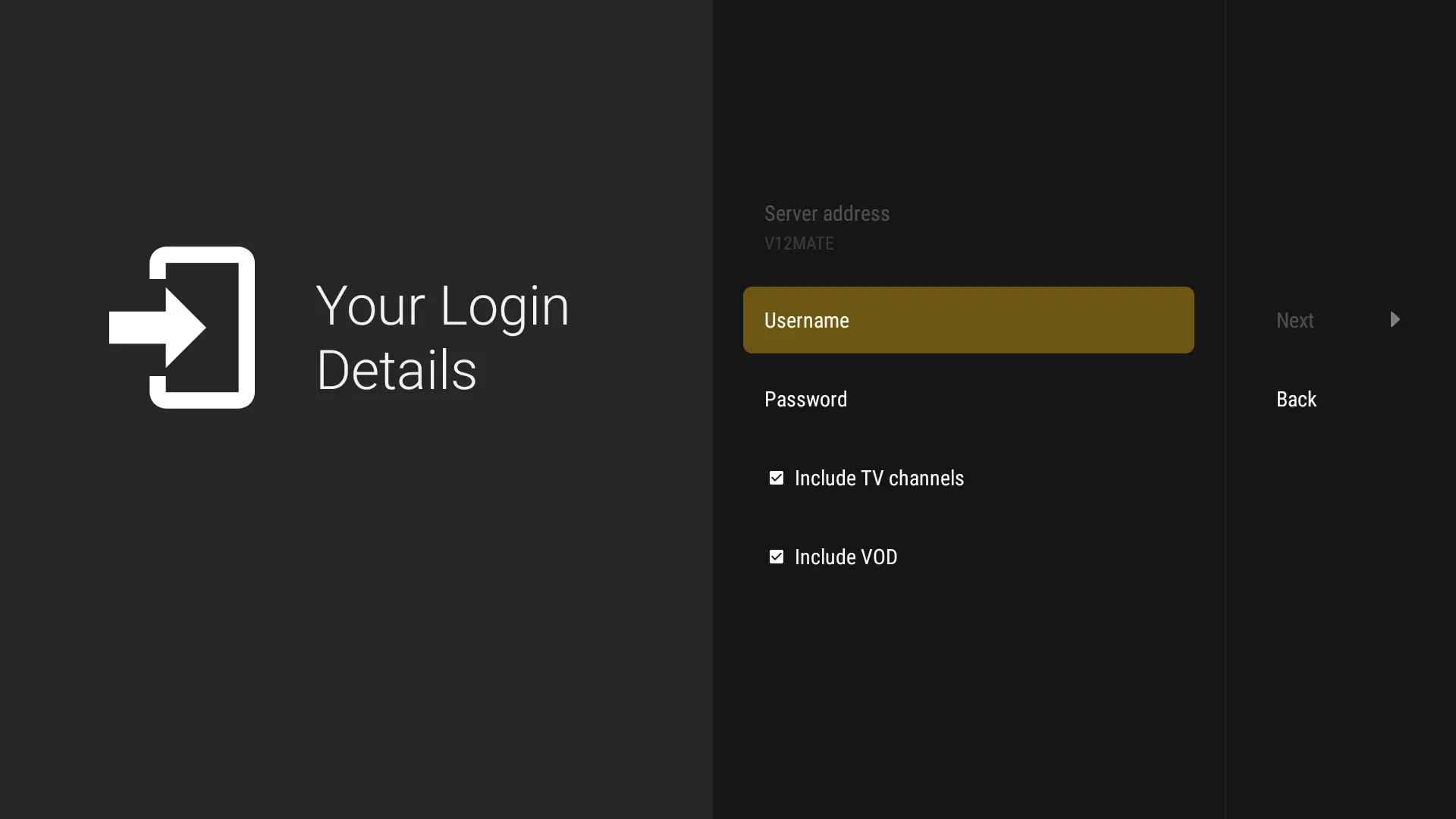
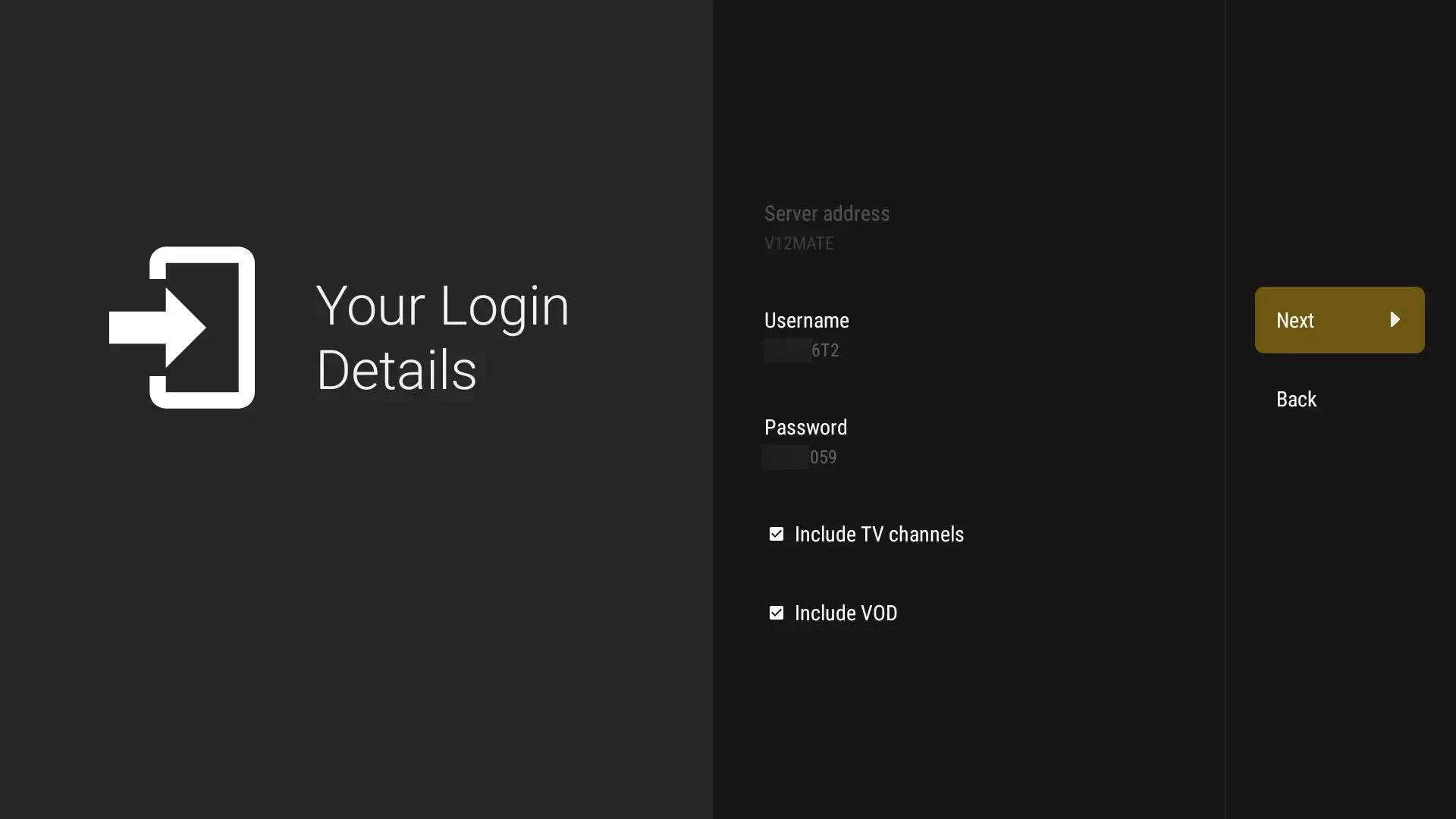
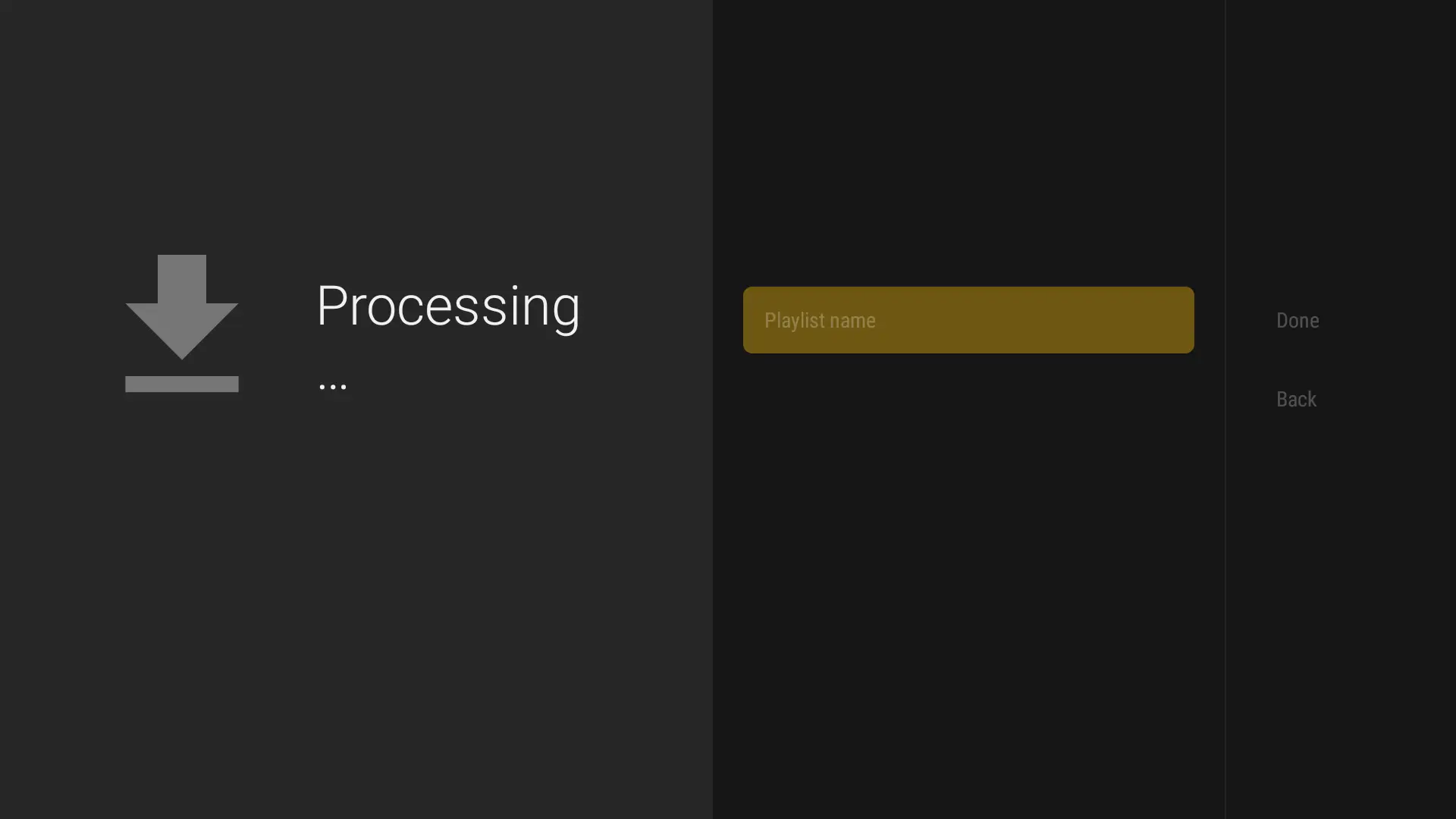
Step-by-Step Guide
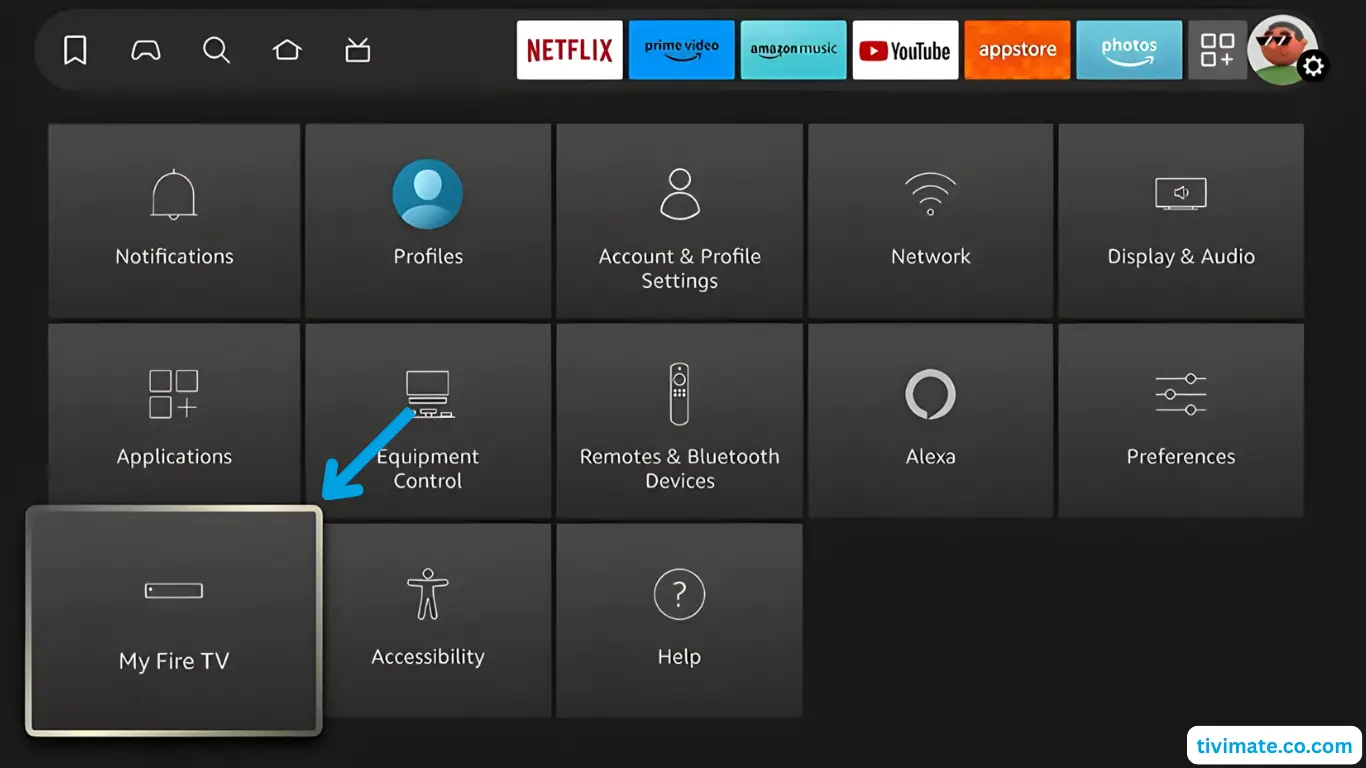
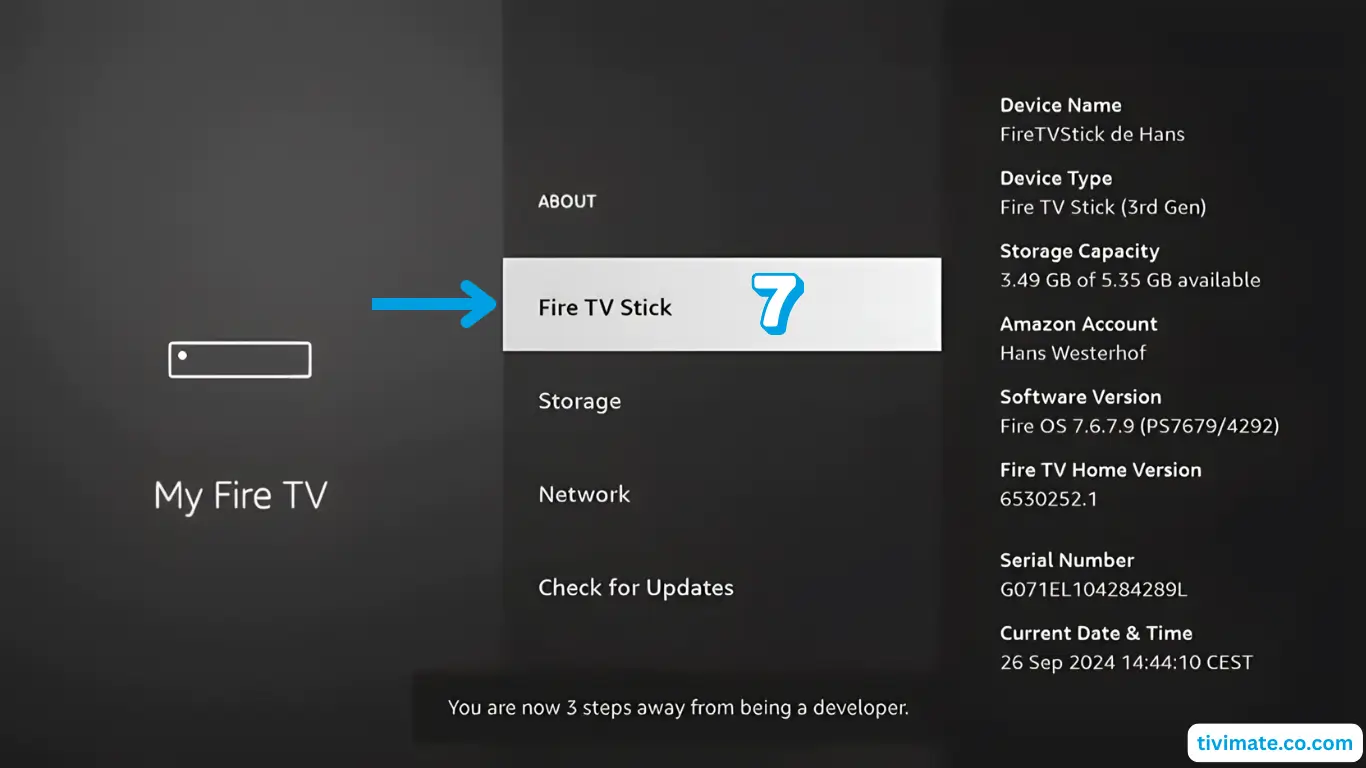
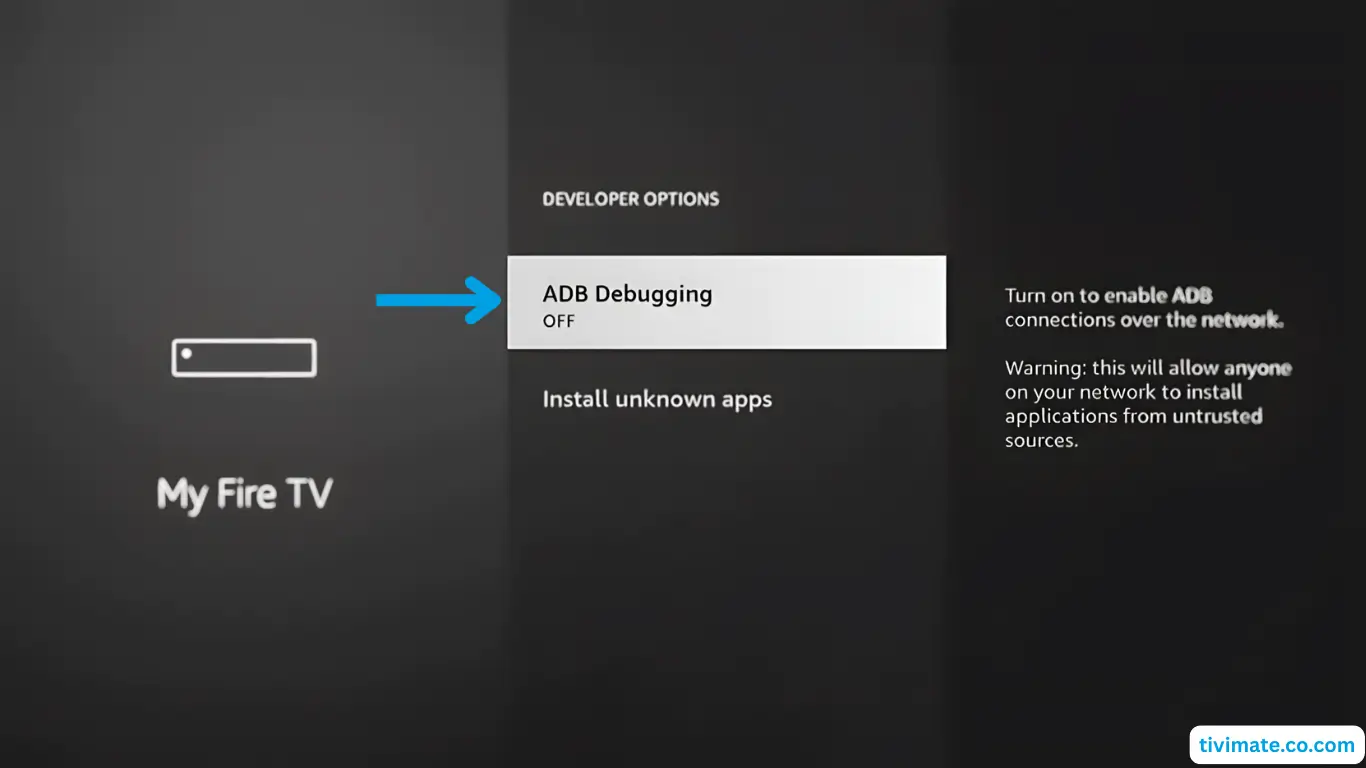
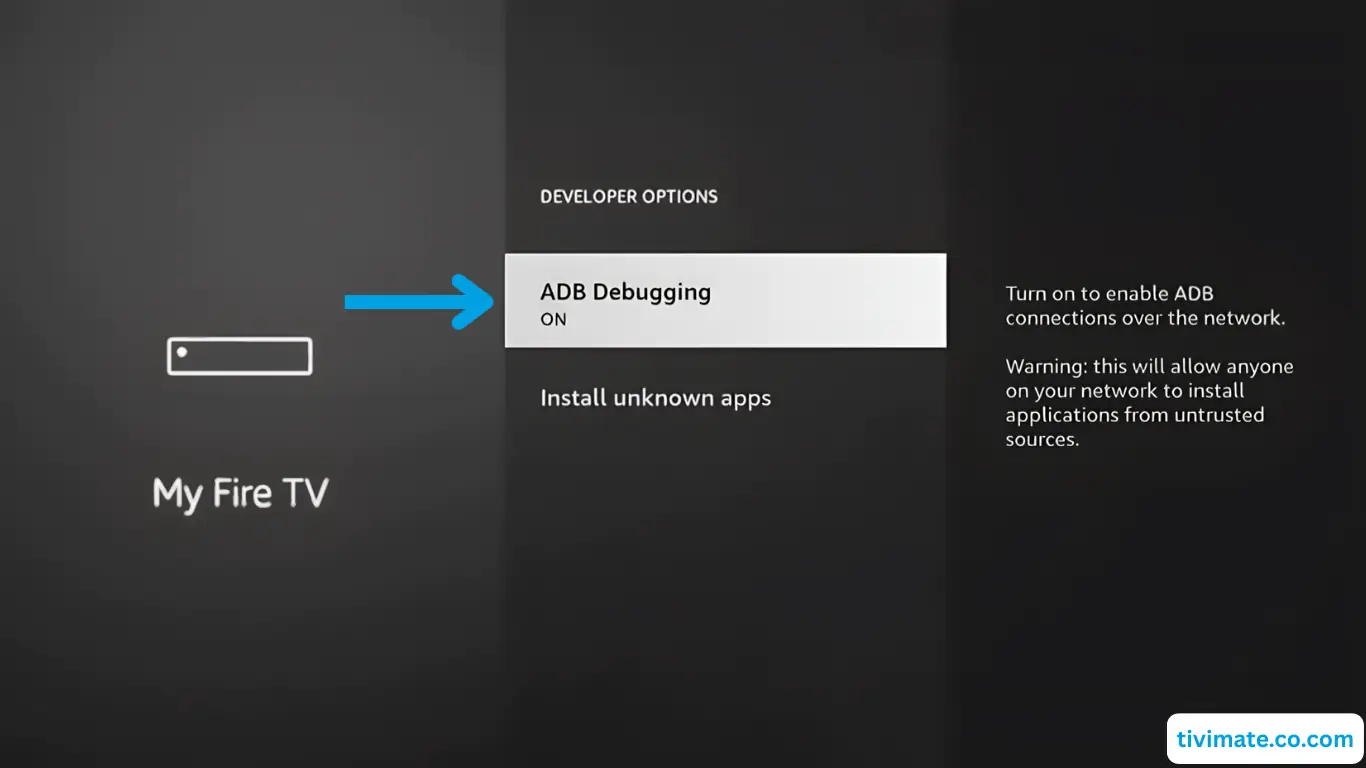
Follow detailed written instructions with screenshots
⏱️ Read at your pace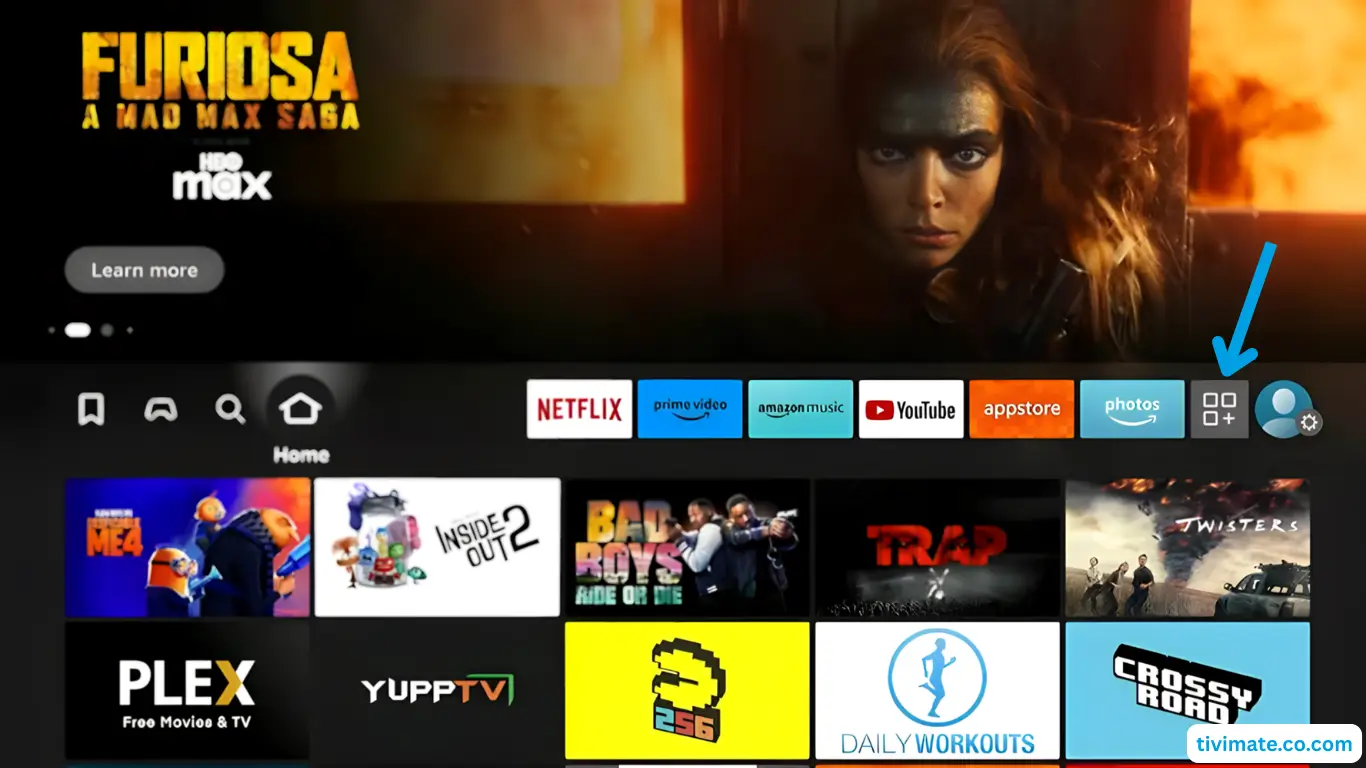
❓ Frequently Asked Questions
V12Mate is TVFlexLine’s own free IPTV player for Firestick and Android TV. It
organizes your live channels and VOD with an EPG. No server address is needed — just your username and
password.
Yes, V12Mate works with most Firestick models. Ensure you have enough storage and
a stable Wi-Fi connection for the best experience.
Delete the playlist, re-add it and verify your credentials. Check for typos in
your username and password — they are case-sensitive.
Re-enable ADB debugging and Unknown Sources if needed. Clear the app cache if it
runs slowly. Reinstall for major issues, or consider a VPN if your ISP throttles streaming traffic.