

👽 Android TV & Box — IPTV Setup Guide
Follow our step-by-step installation guide to get your TVFlexLine IPTV subscription running in minutes.
👽 Android TV & Box Setup Guide
V12Mate (Recommended)
Perfect Player
TiviMate
Compatible devices: Sony, TCL, Hisense, Philips, Nvidia Shield, Chromecast with Google TV,
Mi Box, and most Android TV boxes.
Method 1 — Install V12Mate via Downloader (Recommended)
-
Search for Downloader in the Play Store and tap Install
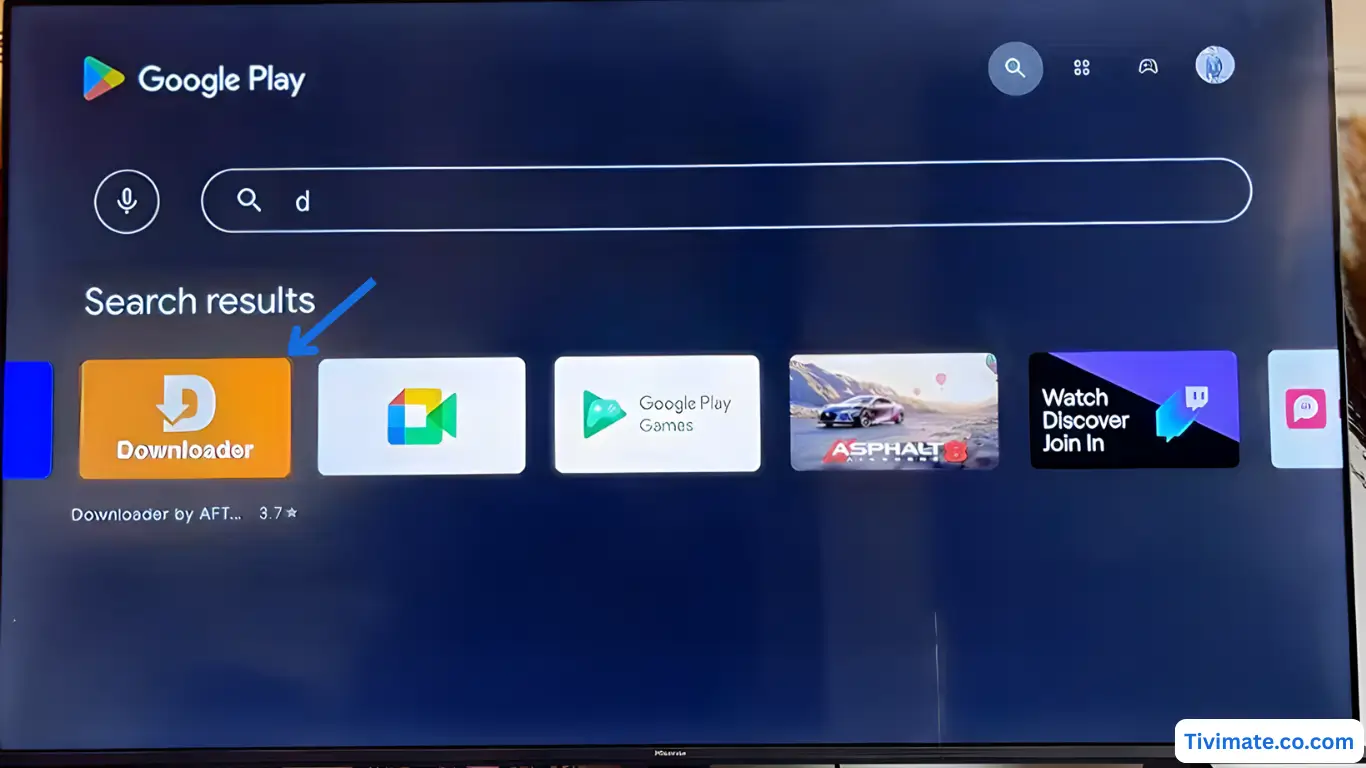
-
Press Allow when prompted for file access
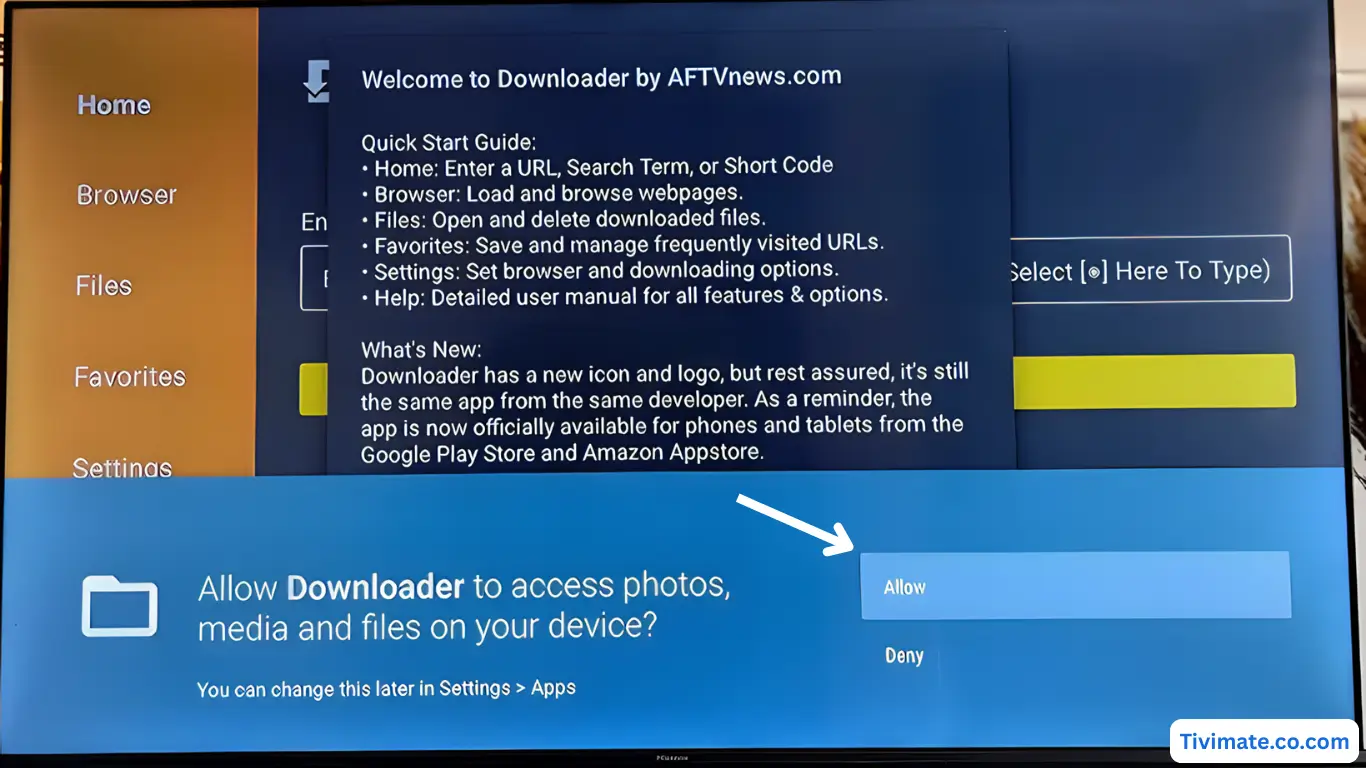
-
Click OK to confirm and proceed
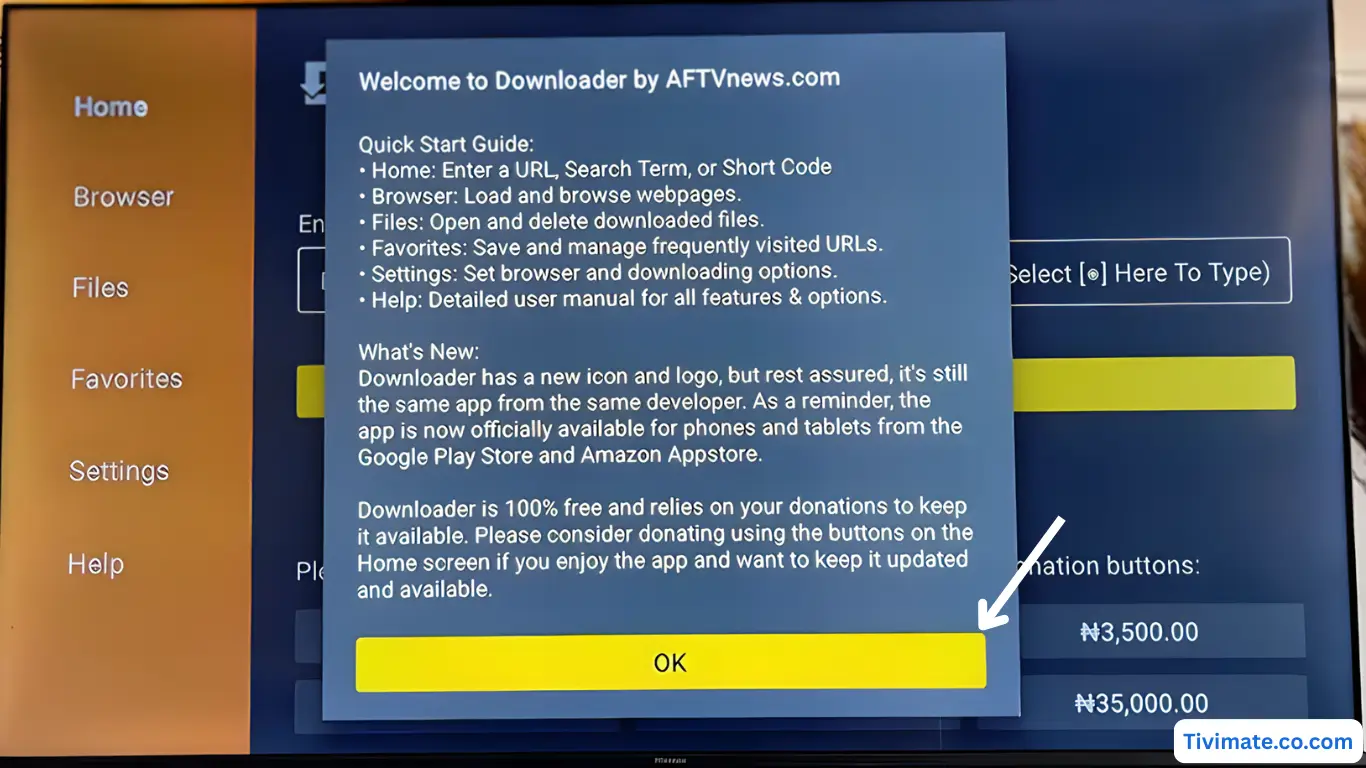
-
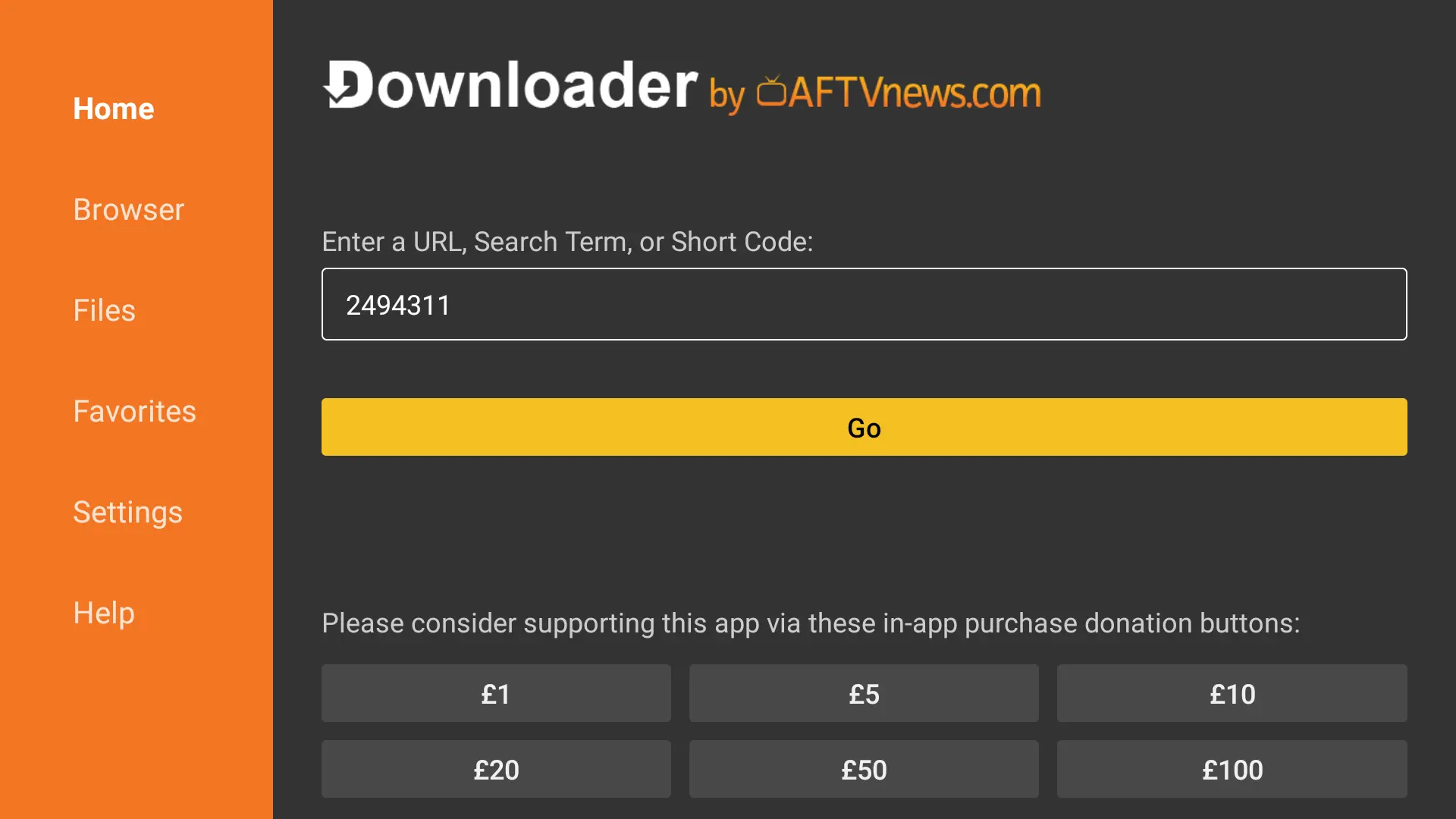
Downloader is ready — now enter Downloader code: 2494311 → press GO
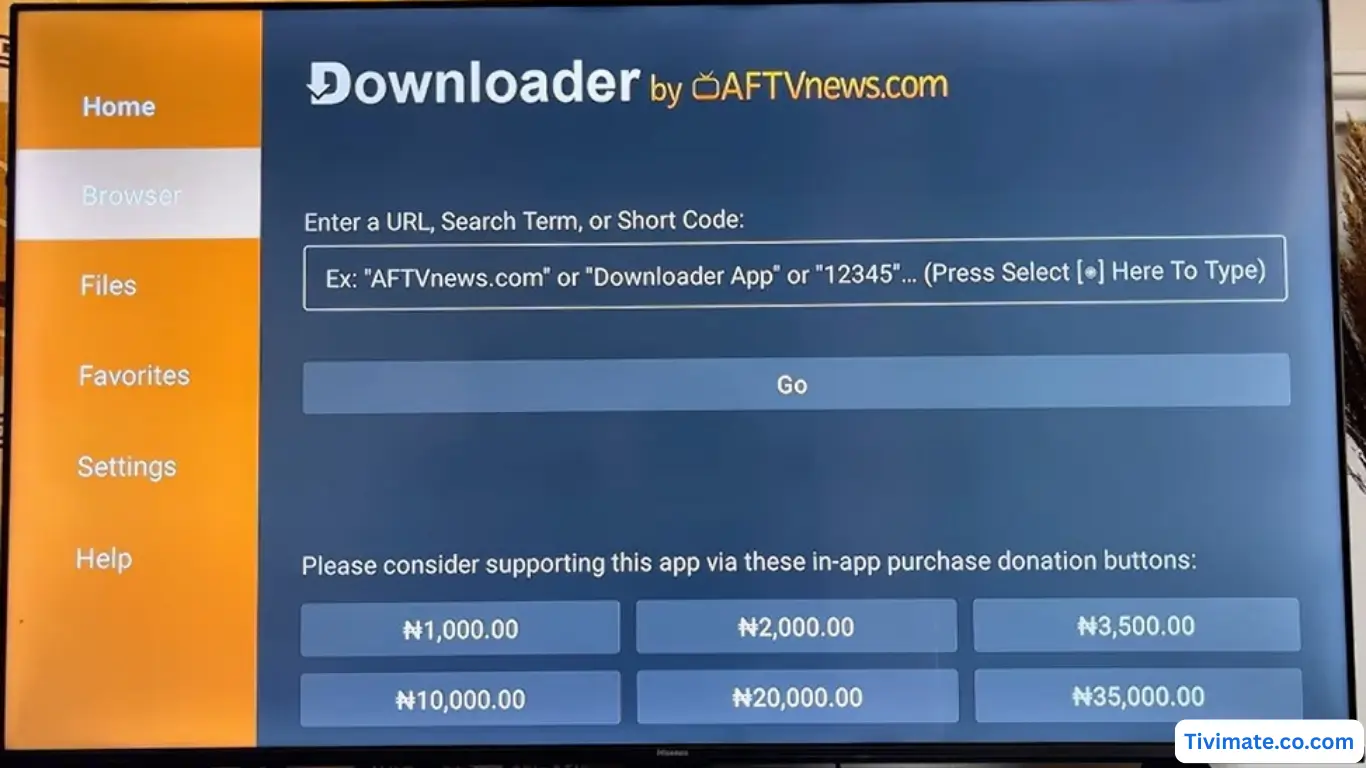
-
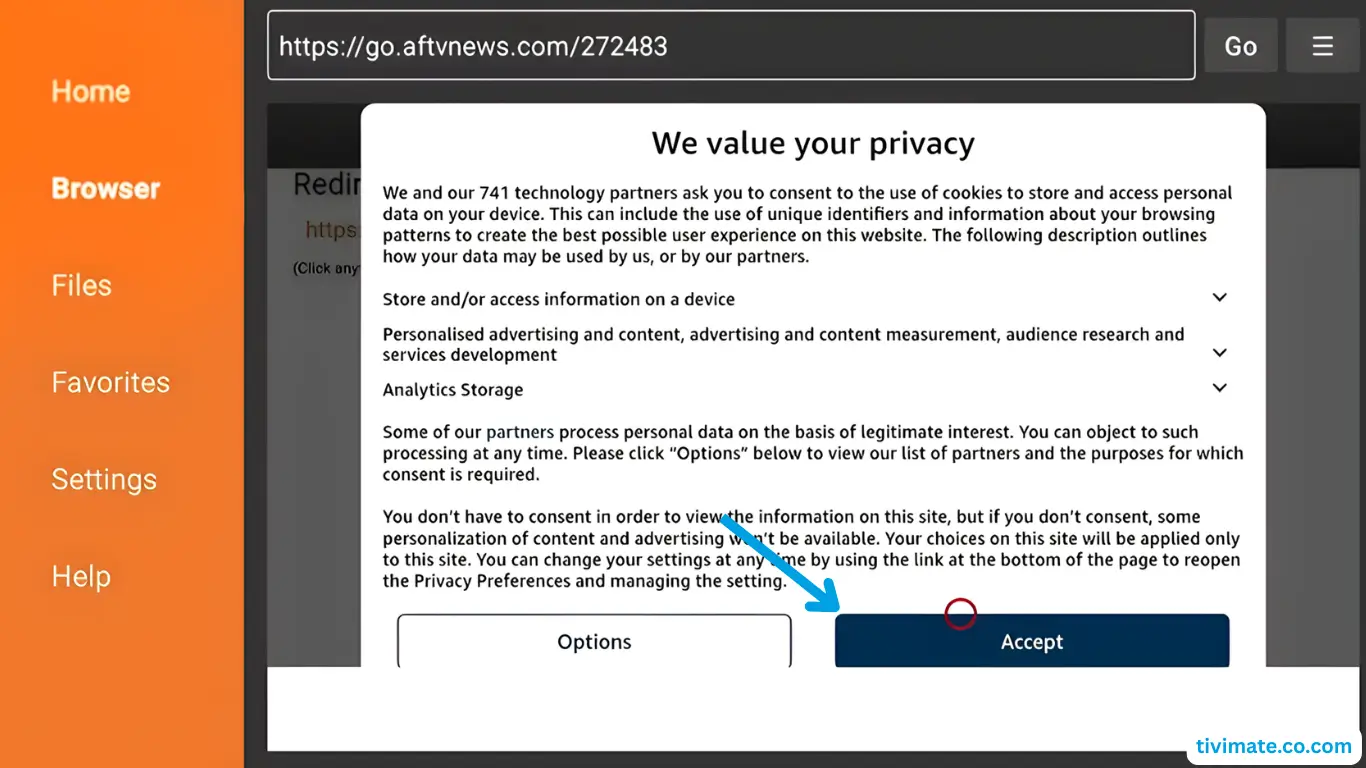
Accept Privacy Policy → press Install
-
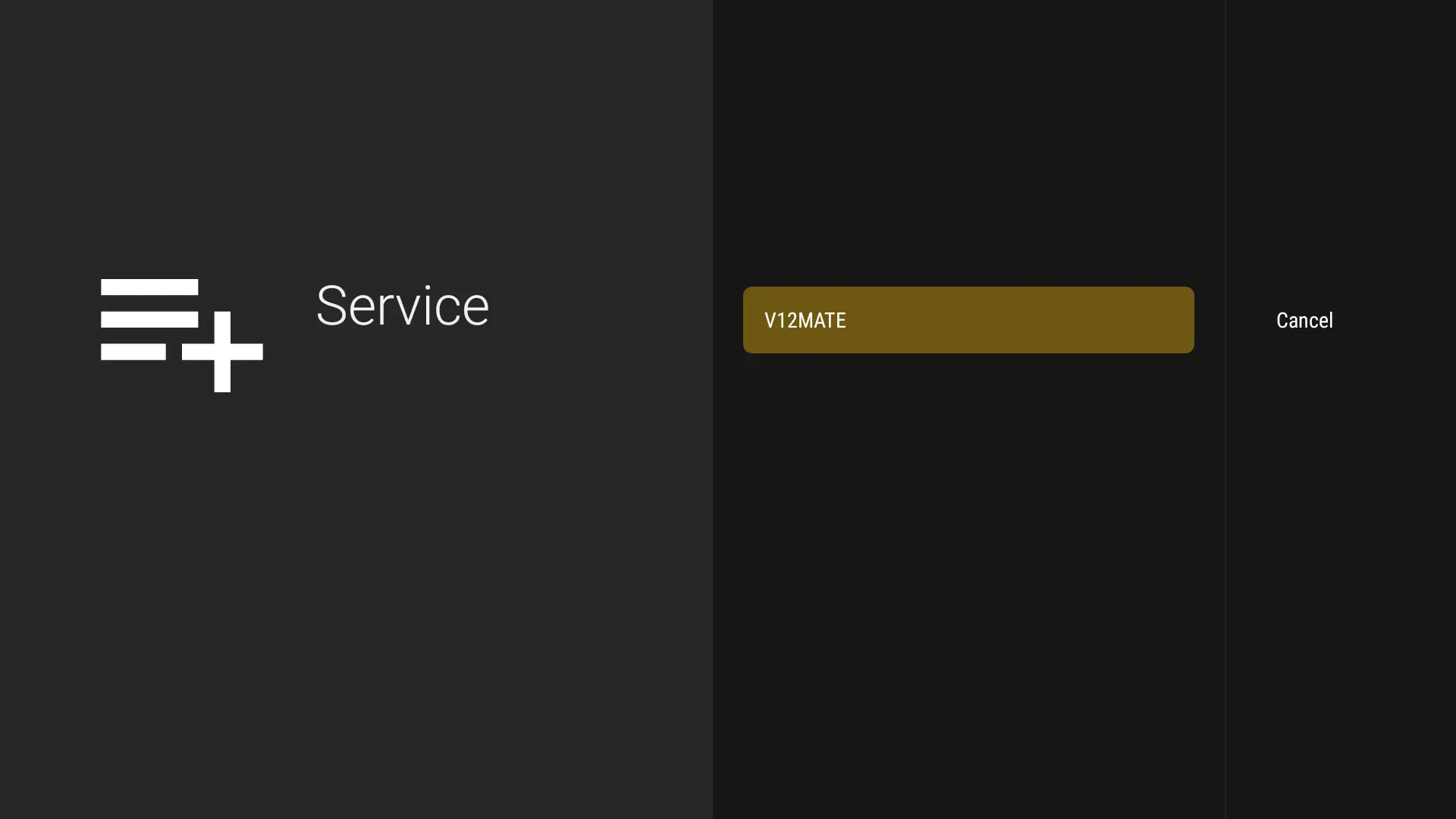
When complete, press OPEN → tap Add Playlist → select V12MATE
-
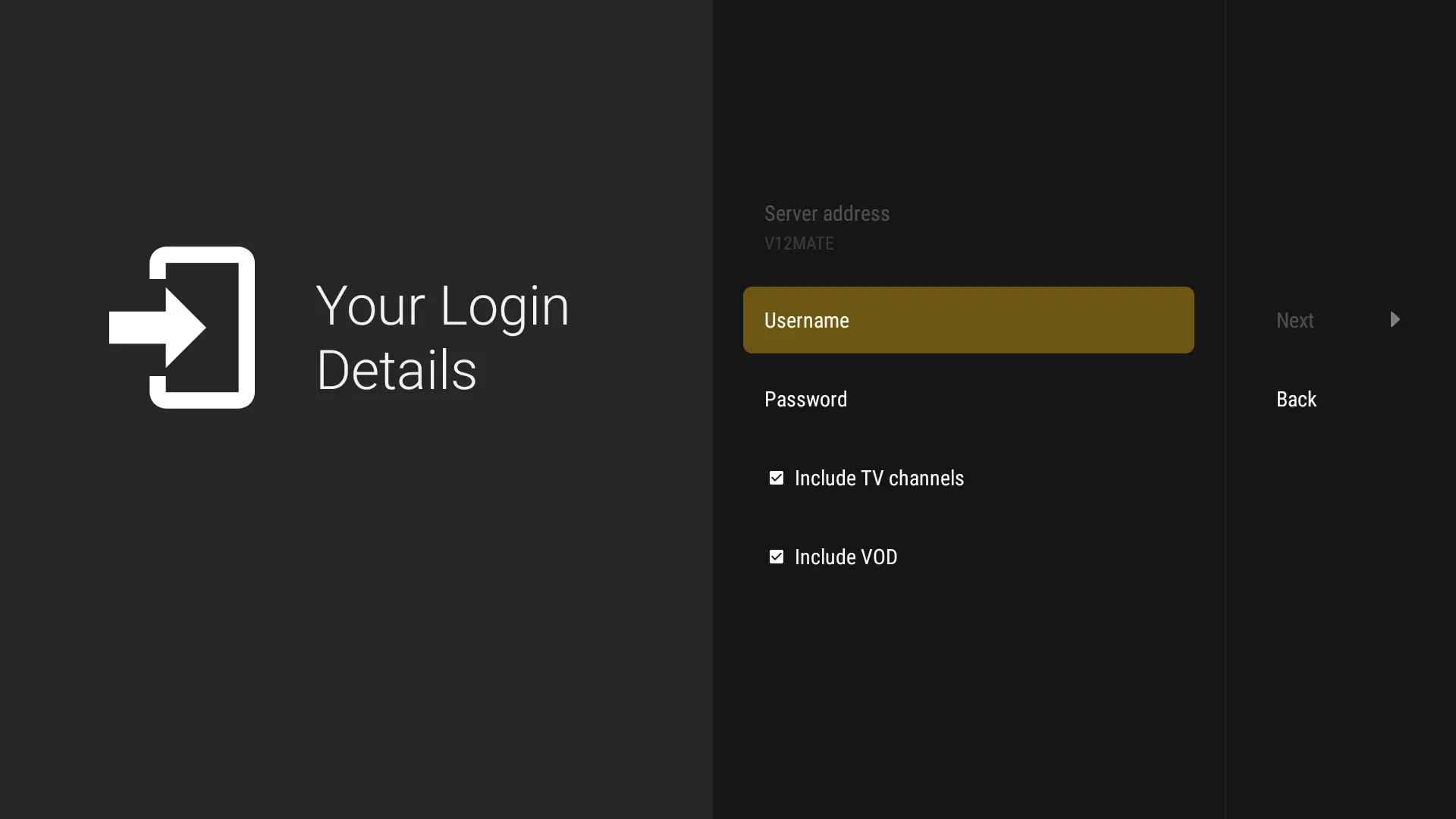
Enter your Username and Password, press Next, keep VOD + TV Channels selected, wait ~1 minute, then press Done 🎉
Tip: If Developer Options is not visible, go to About and tap
Build Number 7 times to unlock them.
❓ Frequently Asked Questions
No. TiviMate is a third-party player. TVFlexLine’s own player is V12Mate, which is
free. TiviMate requires its own premium license to unlock all features.
Yes. Configure Perfect Player with your server URL, username, and password using
the Xtream Codes (XC API) login method.
Make sure TiviMate is fully uninstalled first. Also verify that “Unknown Sources”
or “Install from Unknown Apps” is enabled for the Downloader app in your device settings.