

🍎 Apple / iOS — IPTV Setup Guide
Follow our step-by-step installation guide to get your TVFlexLine IPTV subscription running in minutes.
🍎 iPhone & iPad Setup Guide
iMPlayer (Recommended)
Smarters Player Lite
Method 1 — iMPlayer (Recommended)
-
Download iMPlayer — IPTV Player from the App Store: Download iMPlayer

-
Open the app and tap “Add a Playlist”
-
Select playlist type “XC API”
-
Fill in your details:
• Portal URL: Server URL from your welcome email
• Username & Password: Your TVFlexLine credentials -
Tap “Add Playlist”, wait for channels to download and enjoy! 🎉
Method 2 — Smarters Player Lite
Download Smarters Player Lite →
-
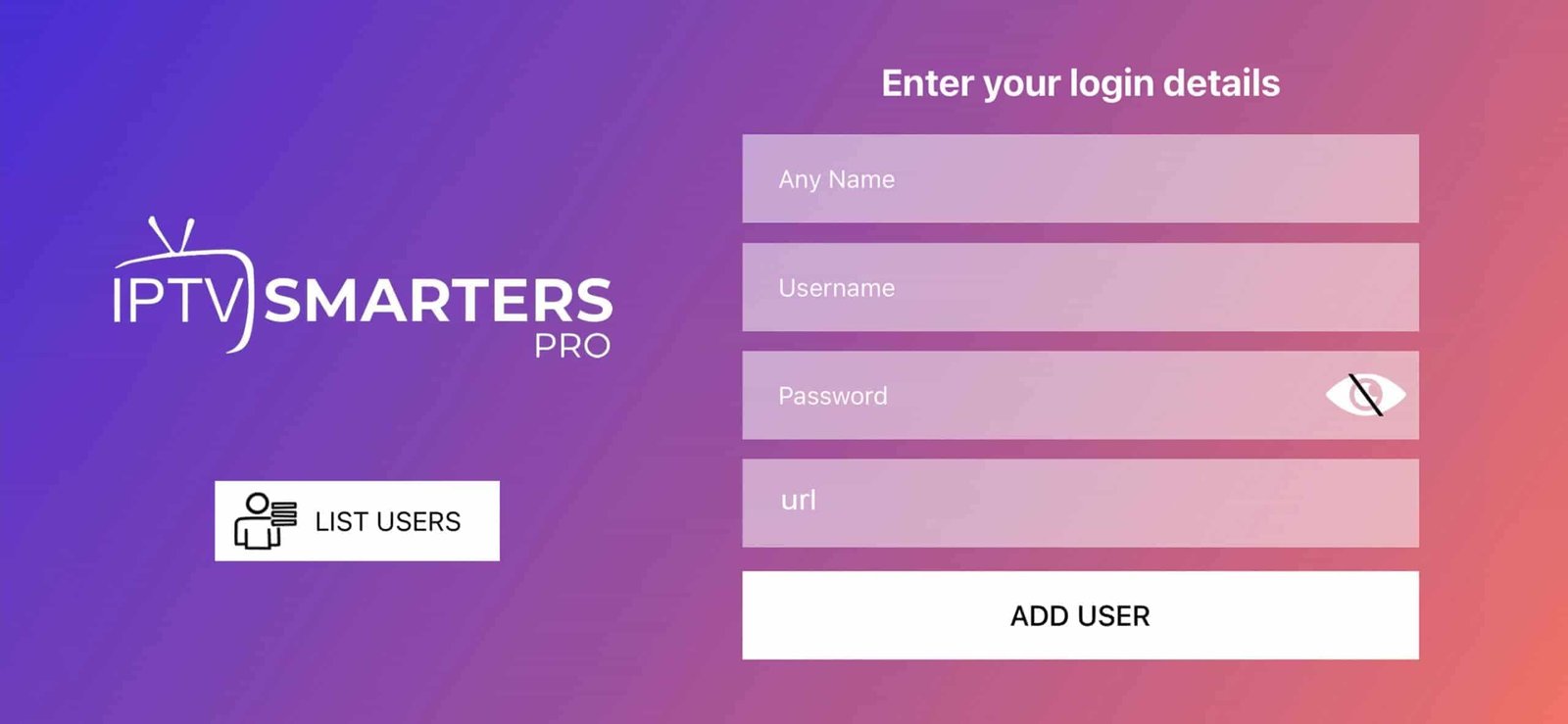
Open app → tap Add User → select “Login with Xtream Codes API”
-
Enter your server URL, username, and password → tap Add User
-
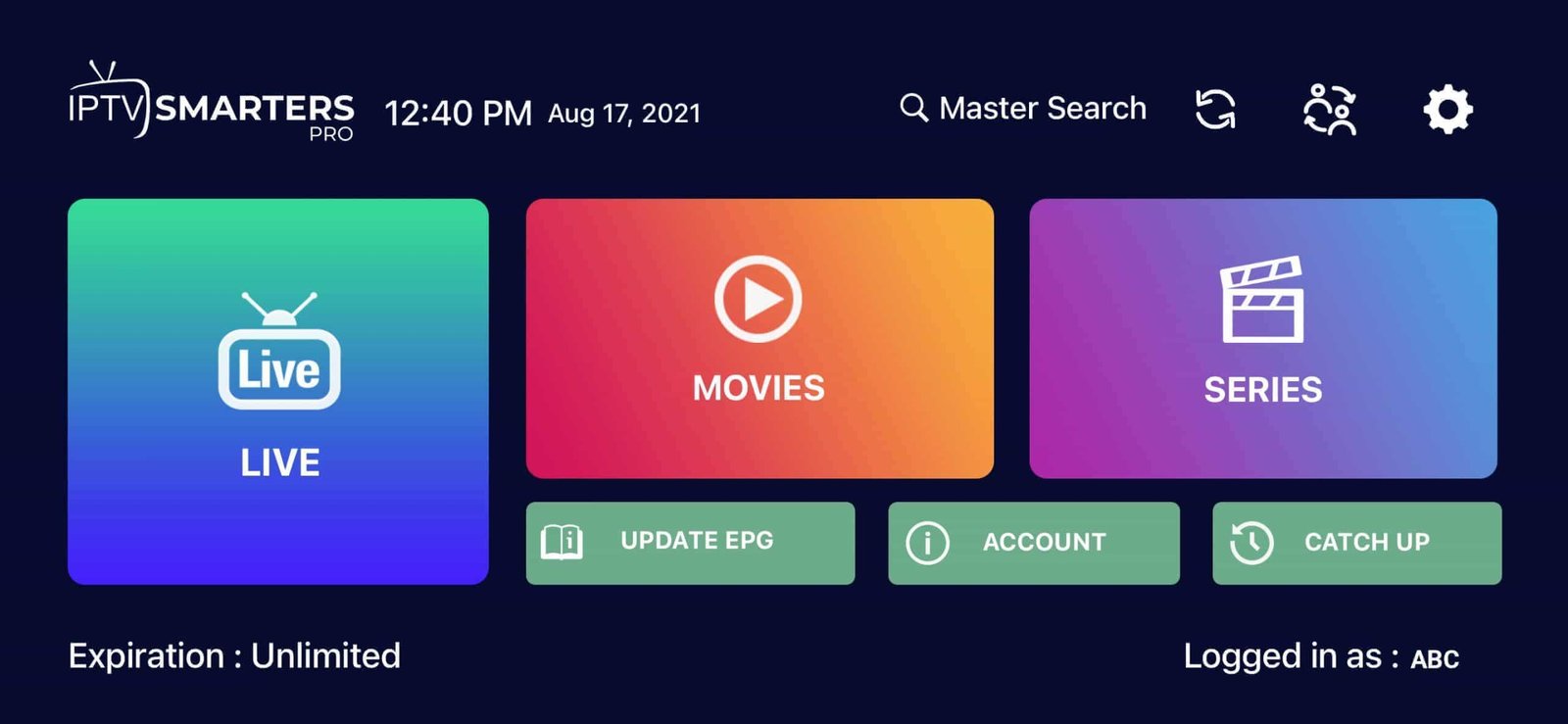
Wait a few seconds for processing, then tap Live TV to start watching
Tip: Use a stable Wi-Fi connection for the best iOS
streaming experience.
❓ Frequently Asked Questions
iMPlayer is recommended for its simplicity and reliability. Smarters Player Lite
is also excellent for beginners. Both work perfectly with IPTV subscriptions.
Yes! iMPlayer is available on Apple TV. You can also use AirPlay to stream from
your iPhone or iPad to your Apple TV.
Enable “Auto-update EPG” in app settings. Some providers take a few minutes to
load the full program guide.