

📱 Android Phone — IPTV Setup Guide
Follow our step-by-step installation guide to get your TVFlexLine IPTV subscription running in minutes.
📱 Android Phone & Tablet Setup Guide
iMPlayer Mobile
TiviMate Mobile
Perfect Player
Requirements: Android 5.0 or higher, stable Wi-Fi or
4G/5G connection.
Method 1 — iMPlayer Setup (Recommended)
-
Download iMPlayer from Google Play: Download iMPlayer →
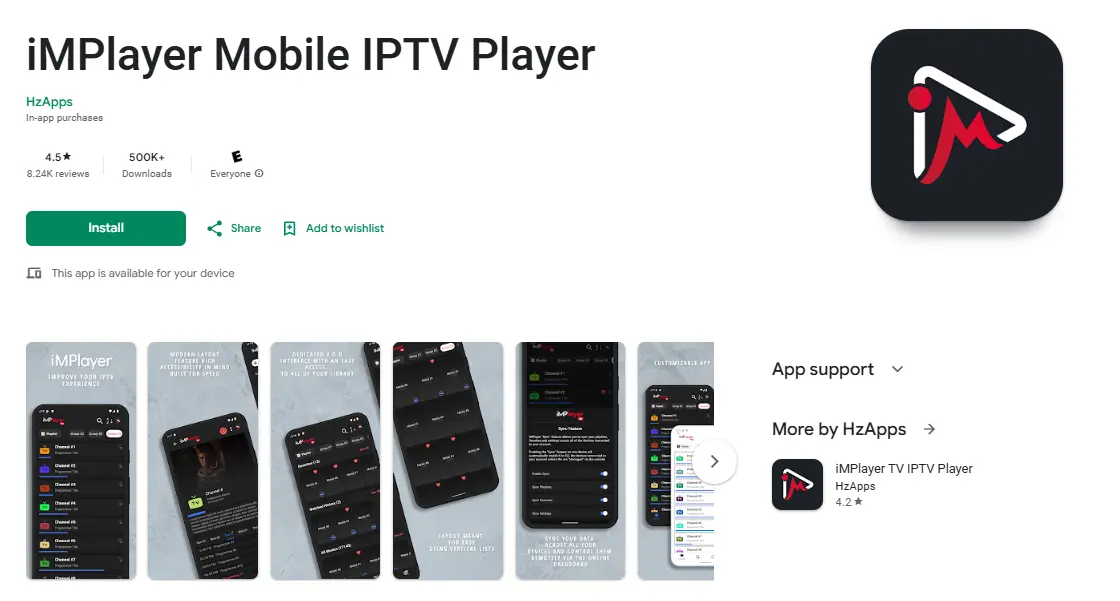
-
Open app → tap “Add a Playlist” → select “XC API”
-
Enter: Portal URL (server address), Username, and Password from your welcome email
-
Tap “Add Playlist” — wait for channels to load and start streaming! 🎉
Method 2 — TiviMate Mobile
-
Install TiviMate IPTV Player from Google Play StoreNote: VOD on TiviMate requires their Premium license. Our subscription has VOD built in.
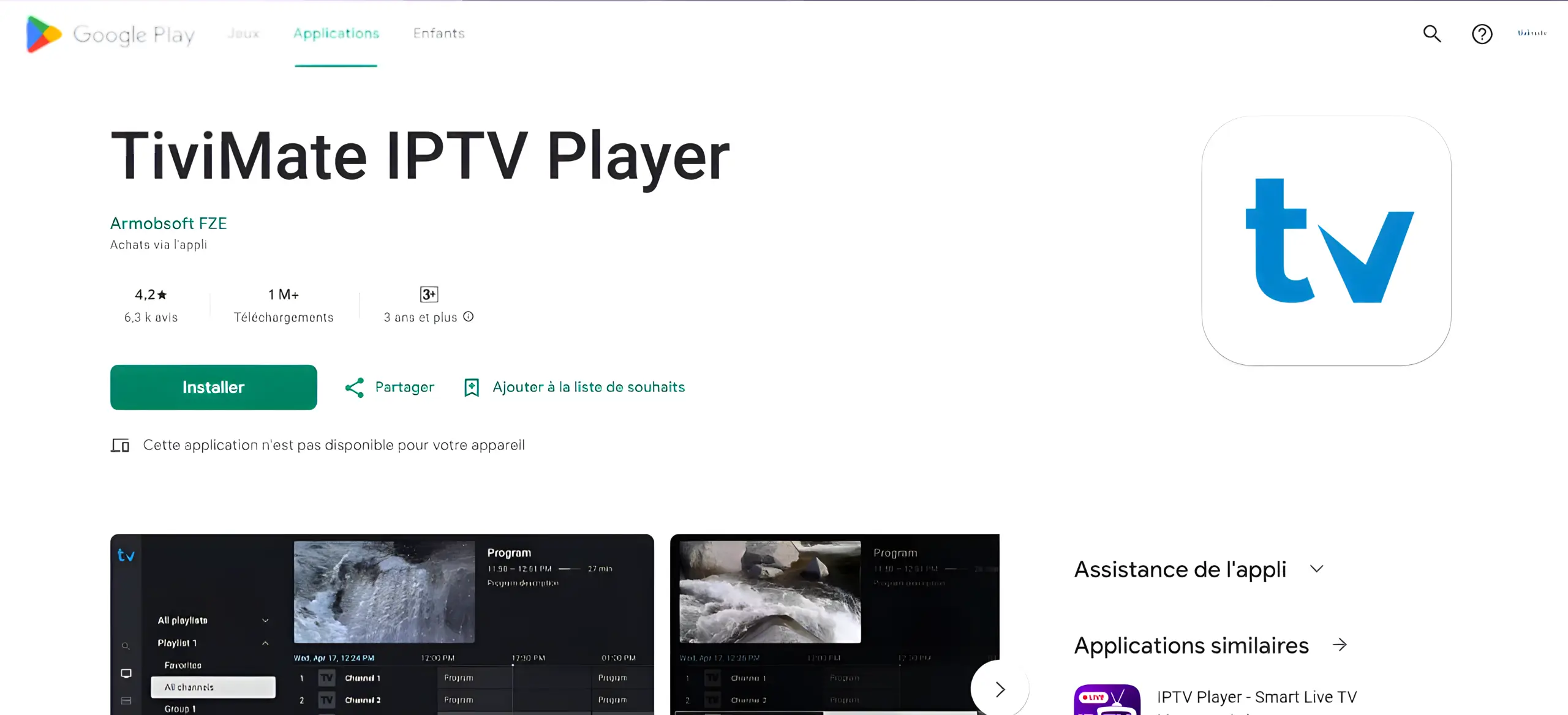
-
Open TiviMate → tap Add Playlist → select Xtream Codes
-
Enter your server URL, username, and password → tap Next
-
Wait for channels to load, then start watching!
Data tip: Streaming uses ~1 GB/hr at SD, ~3 GB/hr at HD.
Use Wi-Fi when possible.
❓ Frequently Asked Questions
No — TiviMate is just a player. You need an active TVFlexLine subscription and
your playlist credentials.
Double-check the host URL, username, and password. Ensure there are no extra
spaces and the URL starts with http:// or https://.
Yes — most IPTV apps support Chromecast. Look for the cast icon in the player,
or use screen mirroring on compatible TVs.